Title here
Summary here
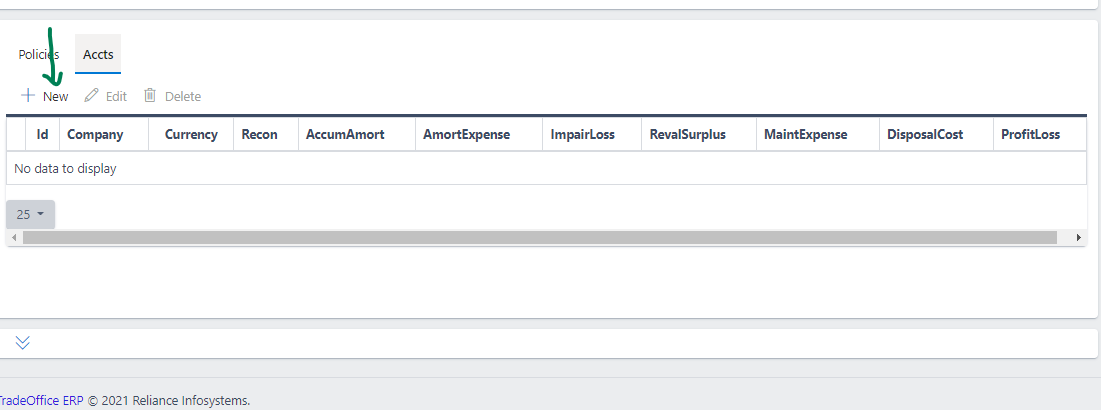
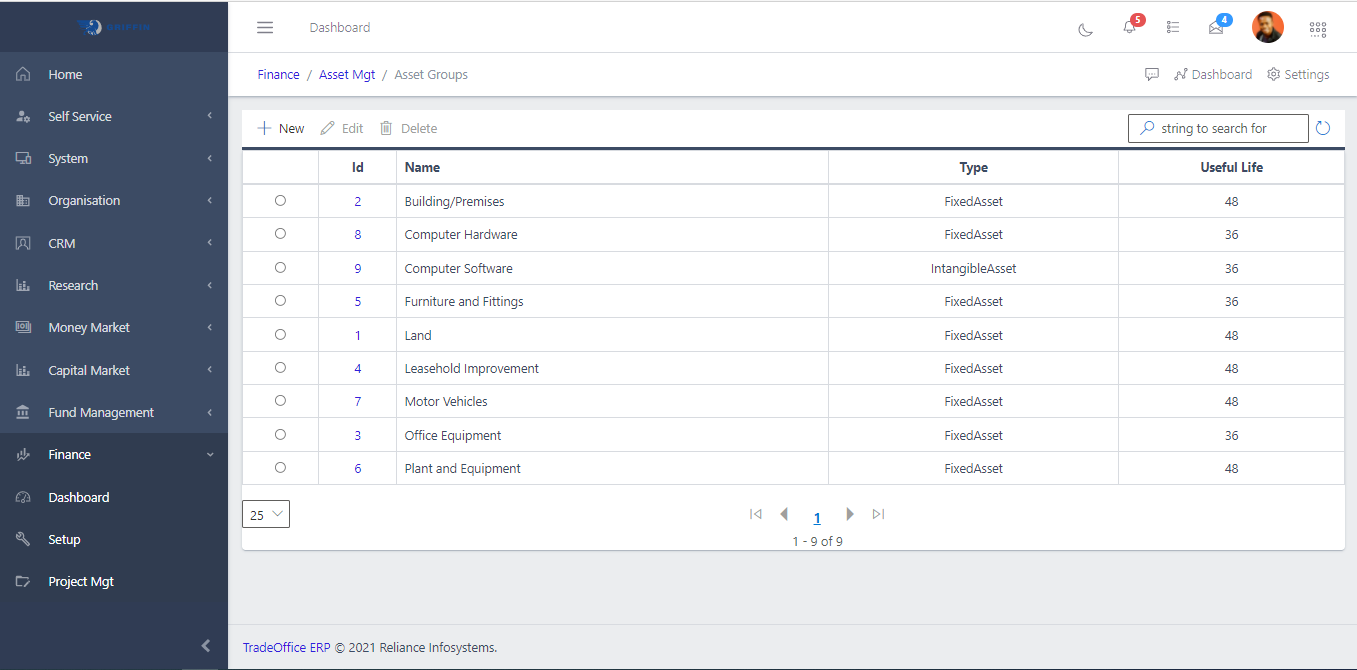
Asset groups classify fixed assets into categories for consistent accounting treatment and maintenance scheduling. Every asset in the Asset Register must belong to a group. The group determines which GL accounts are used for asset value, accumulated amortisation, amortisation expense, and disposal — configured separately in Asset Group Accounts.
| Term | Definition |
|---|---|
| Code | A short identifier for the group (e.g. MOTVEH, OFFEQUIP) |
| Asset Type | The classification of assets in this group — FixedAsset, IntangibleAsset, etc. |
| Maint Remind Lead | Days before a scheduled maintenance date to trigger the first reminder notification |
| Maint Remind Repeat | Days between follow-up reminders if a maintenance task is overdue |
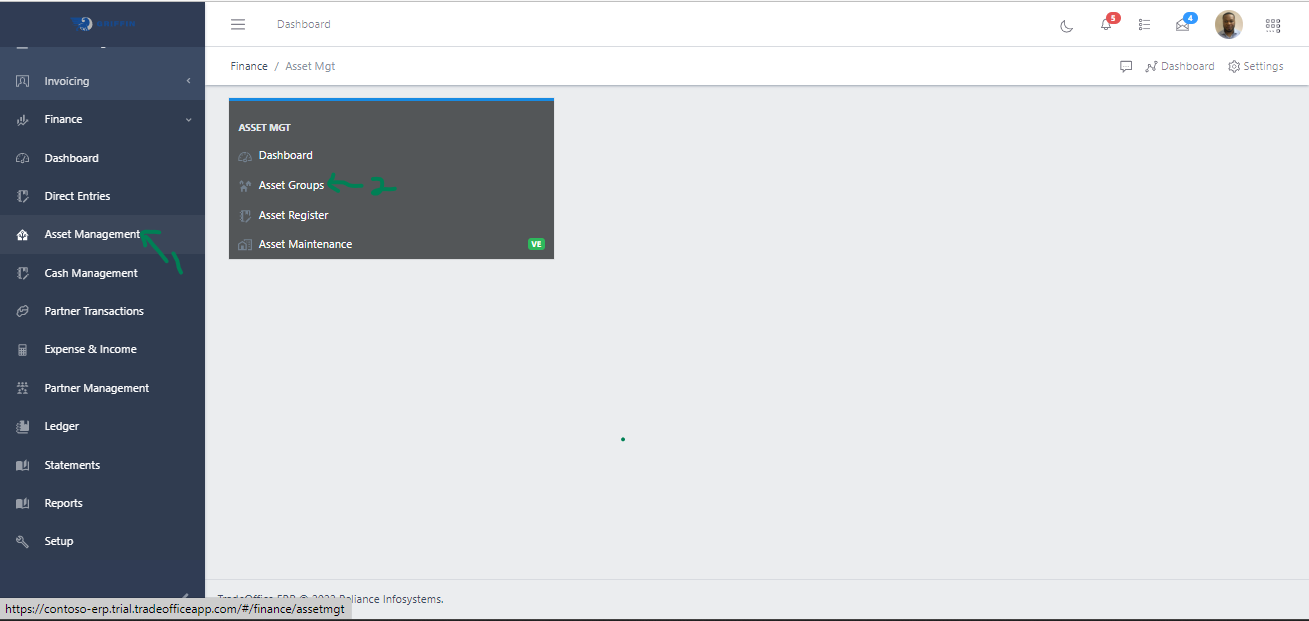
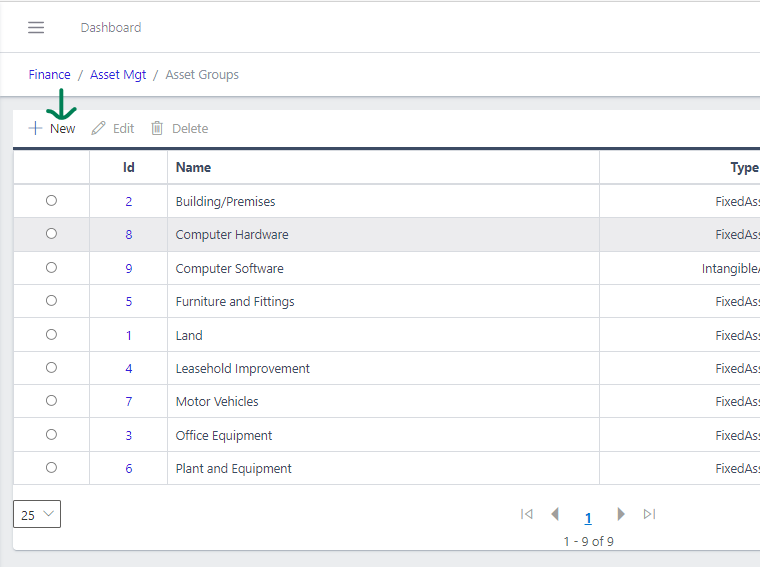
Navigate to Admin → Asset Management → Asset Groups.
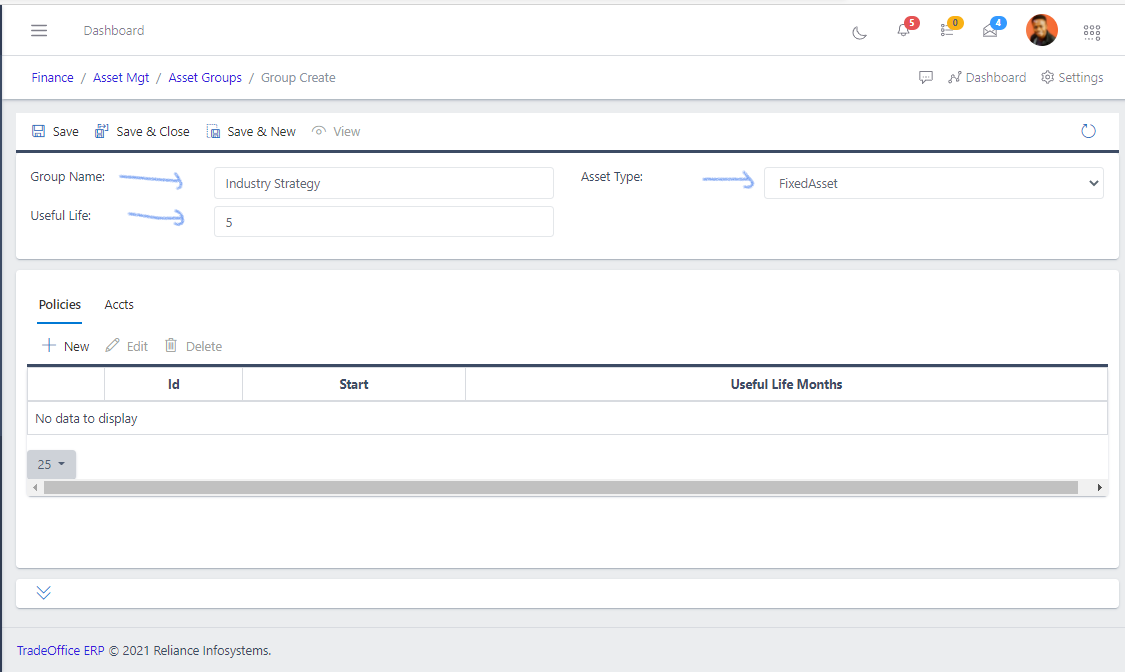
After creating the group, set up its GL accounts in Asset Group Accounts so that depreciation and disposal journal entries post correctly.