Title here
Summary here
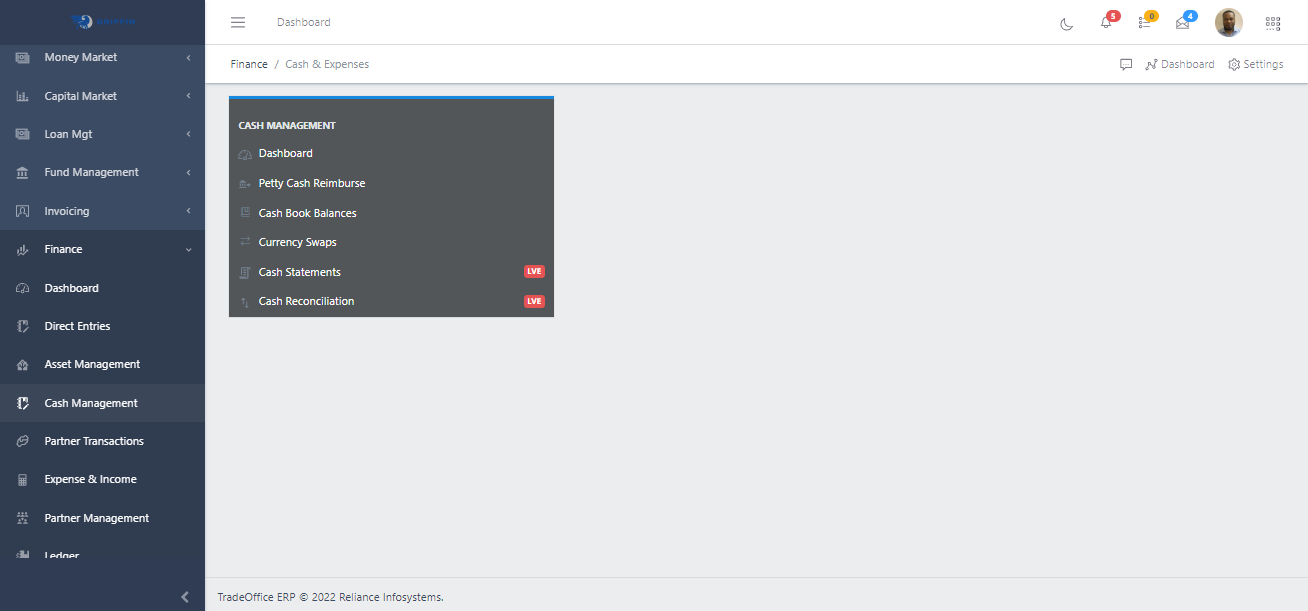
Cash & Expenses is the Finance workspace for cash-oriented operations. Use it to review cash book balances, reimburse petty cash, record currency swaps, and support statement and reconciliation checks.
| Concept | Meaning |
|---|---|
| Petty cash reimburse | Reimbursement workflow for approved petty cash expenditure. |
| Cash book balances | Balance view of cash book accounts across company, date, account type, and currency filters. |
| Currency swaps | Transaction workflow used to exchange balances between currencies and post the related accounting entries. |
| Cash statements | Statement view used for bank or cash account review. |
| Cash reconciliation | Reconciliation workflow for matching statement activity against system cash records. |