Title here
Summary here
Warrant batches group individual warrant payment instructions for bulk processing through the settlement chain. A warrant is a payment instruction issued to fulfil a financial obligation — for example, dividend payments, redemption proceeds, or coupon payments on securities. Batching these instructions allows the operations team to review, authorise, and submit them in a single step rather than processing each instruction individually.
| Term | Definition |
|---|---|
| Batch Reference | A unique identifier for the batch of warrant instructions |
| Warrant | An individual payment instruction within the batch |
| Settlement Date | The date the payments are to be settled |
| Status | Draft, Submitted, Settled, or Rejected |
| Total Amount | The sum of all warrant payment amounts in the batch |
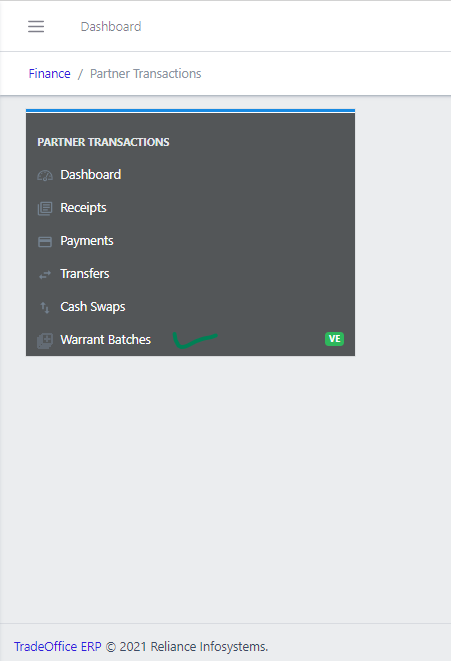
Navigate to Finance → Partner Transactions → Warrant Batches.
Use the Filter button to search by date range, status, or keyword.