Appraisal Sessions

Concept

The Appraisal Sessions page works with appraisal session records in the HCM module. It supports human capital setup, employee records, workforce activity, leave, payroll, loans, or performance management depending on the selected area.
Fields

FieldMeaning
Session NoSession reference.
PeriodReview period.
ParticipantsEmployees included.
StatusWorkflow state.

HowTo

  1. Open HCM and choose Appraisal Sessions from the Performance Mgt area.
  2. Use filters or search to find the relevant employee, setup record, workflow, period, or transaction.
  3. Open the record to review dates, status, assigned people, and linked information.
  4. For editable workflows, choose New or Update, complete the required fields, and save.
  5. Confirm the downstream staff record, leave balance, payroll run, appraisal, or workflow status reflects the change.

Screenshots

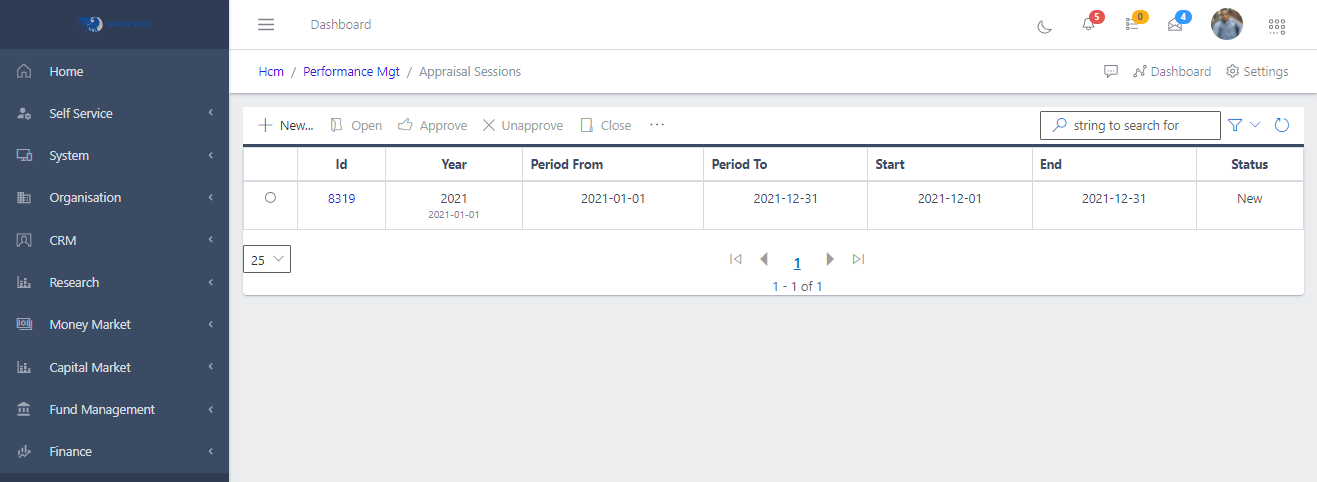
Fig 1.	Showing the appraisal session in TradeOffice
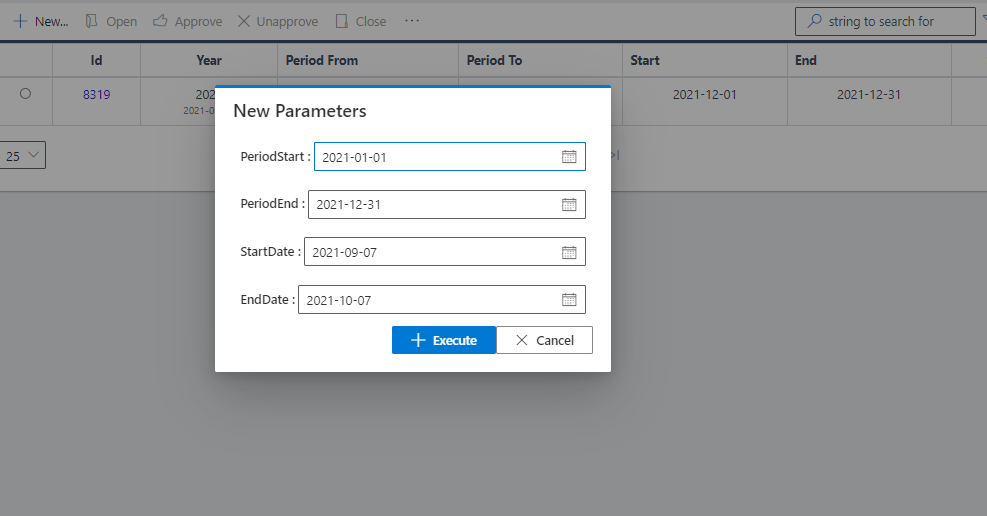
Fig 2. Showing the dialog box when the create button is clicked
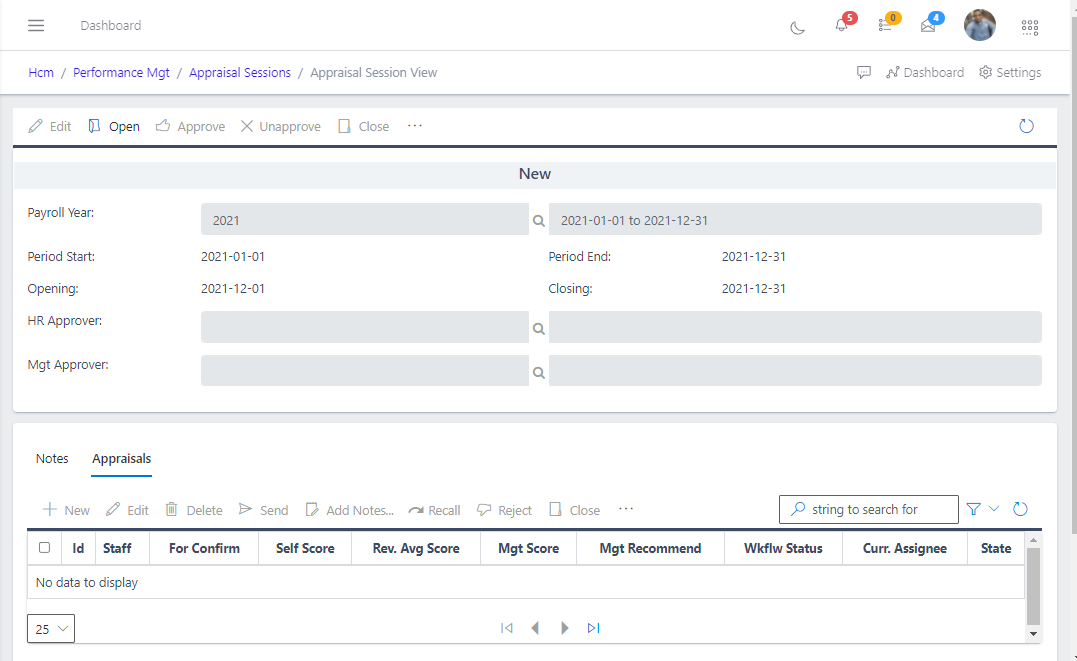
Fig 3.	Showing the view of a new appraisal session
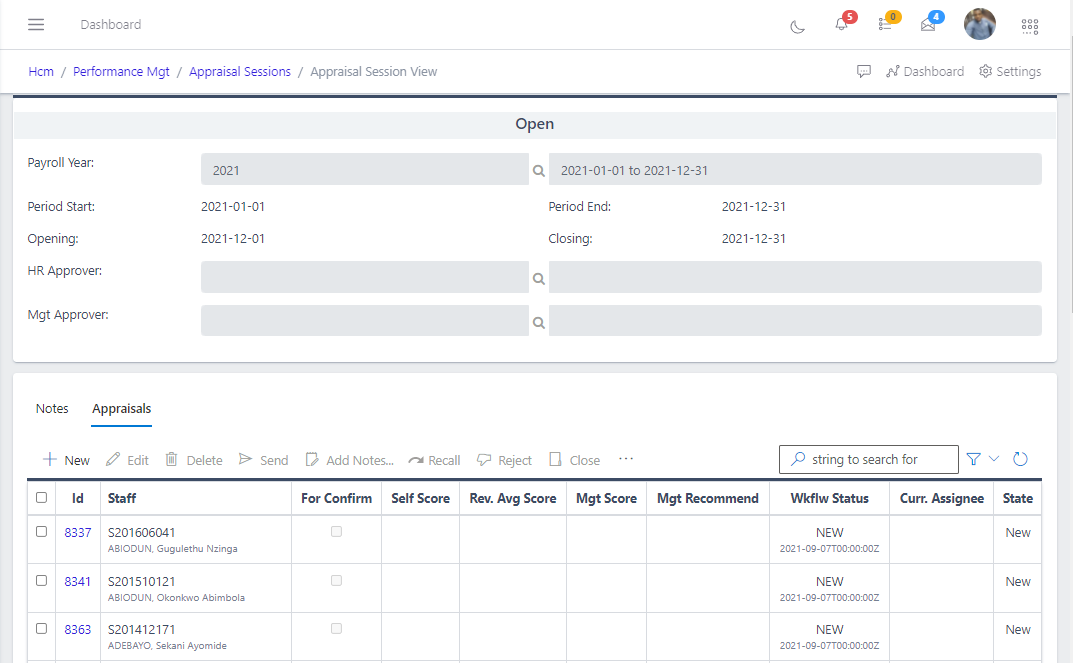
Fig 4.	Showing all targets after opening a new session
<div><img src=
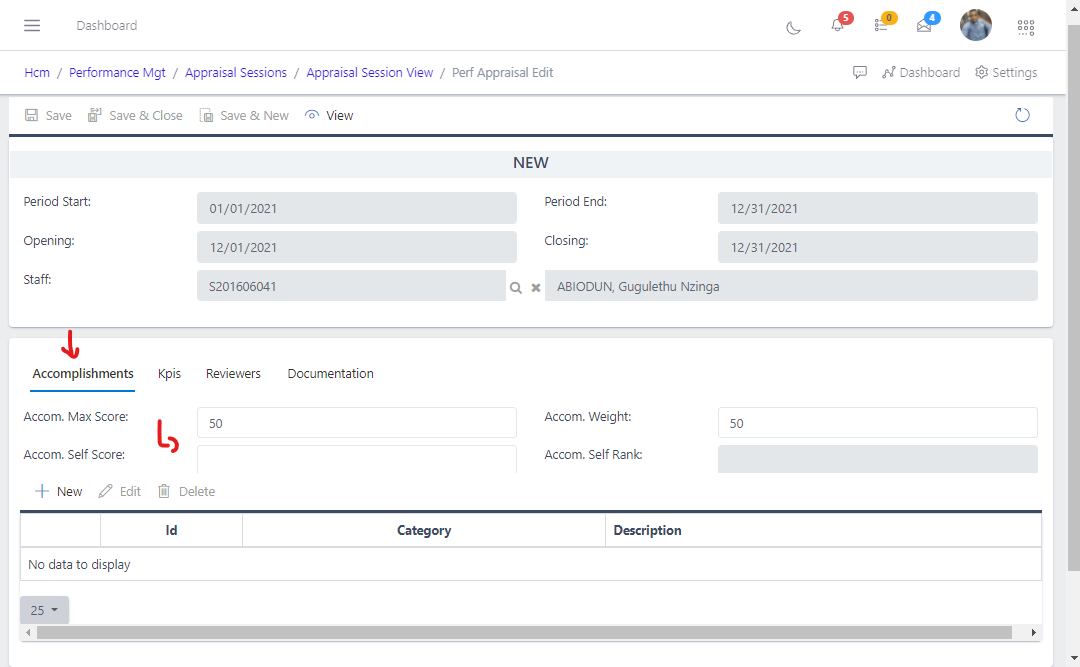
Fig 6.	Showing the screen that is displayed when the edit button is clicked
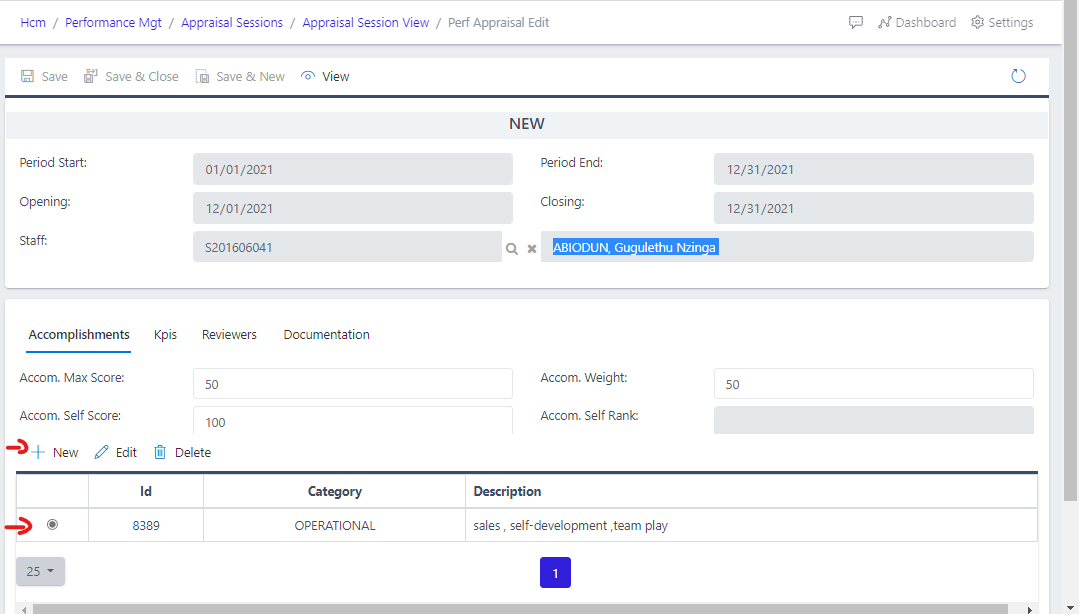
Fig 7.	Showing how to add accomplishment from the edit page
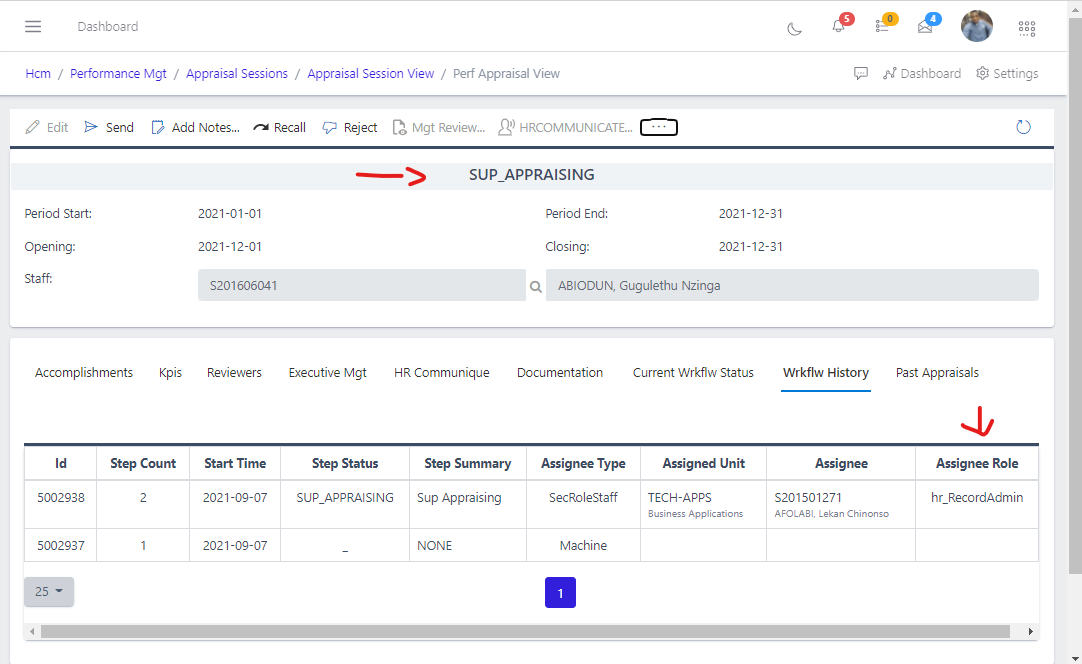
Fig 8. Supervisor appraisal
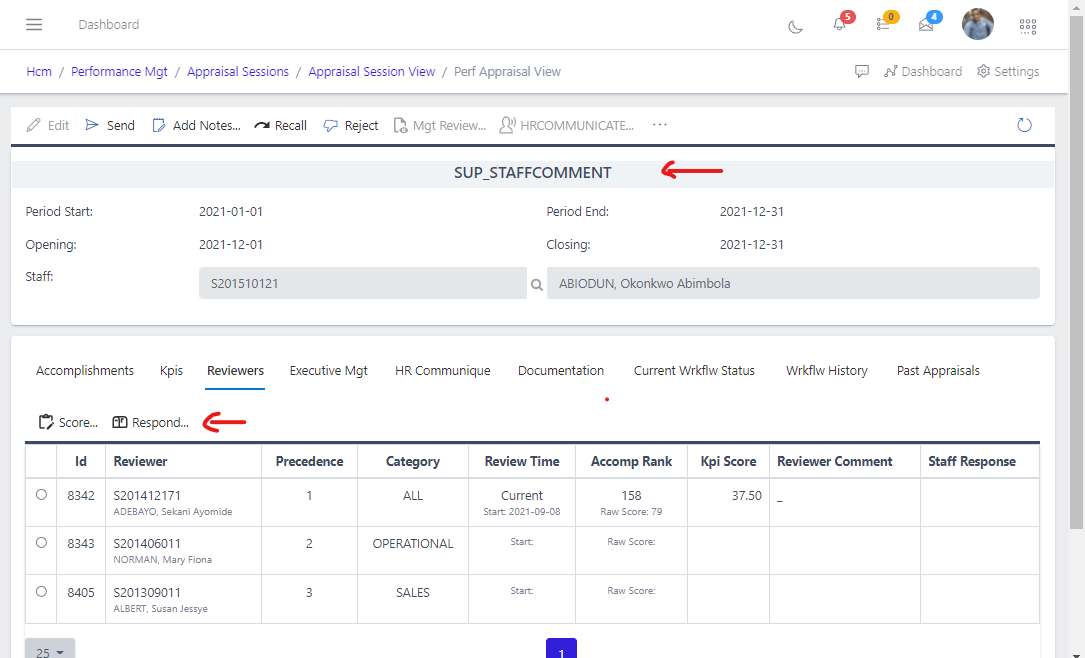
Fig 9. Staff comment
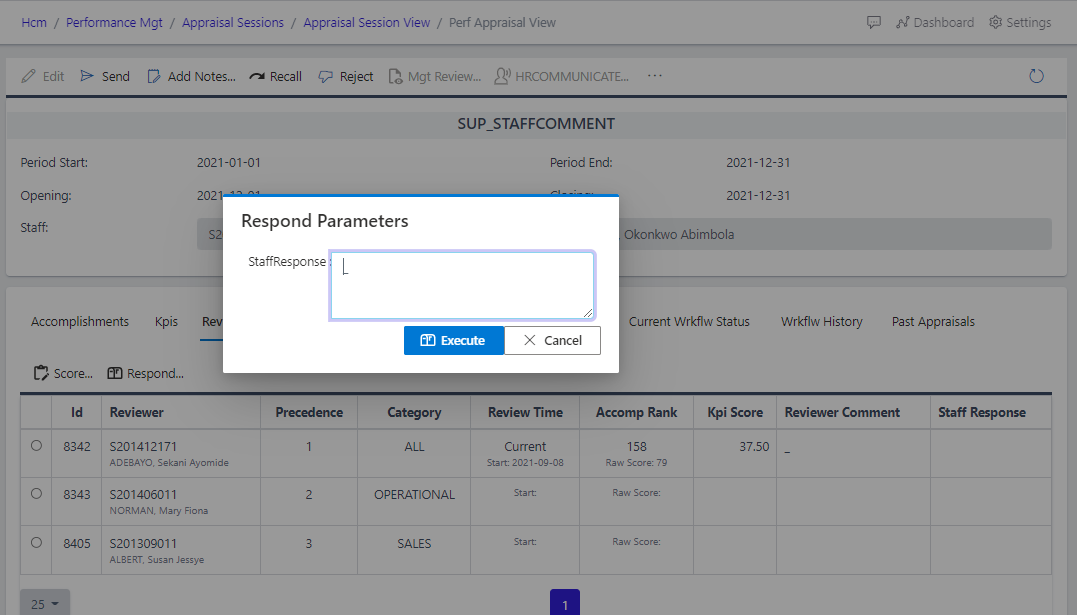
Fig 10. Staff comment modal box
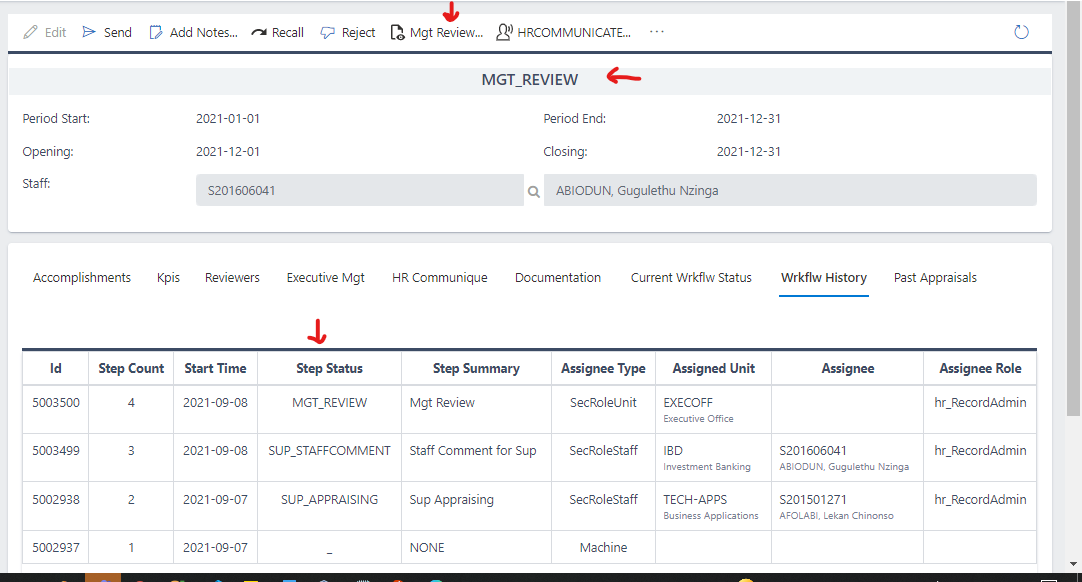
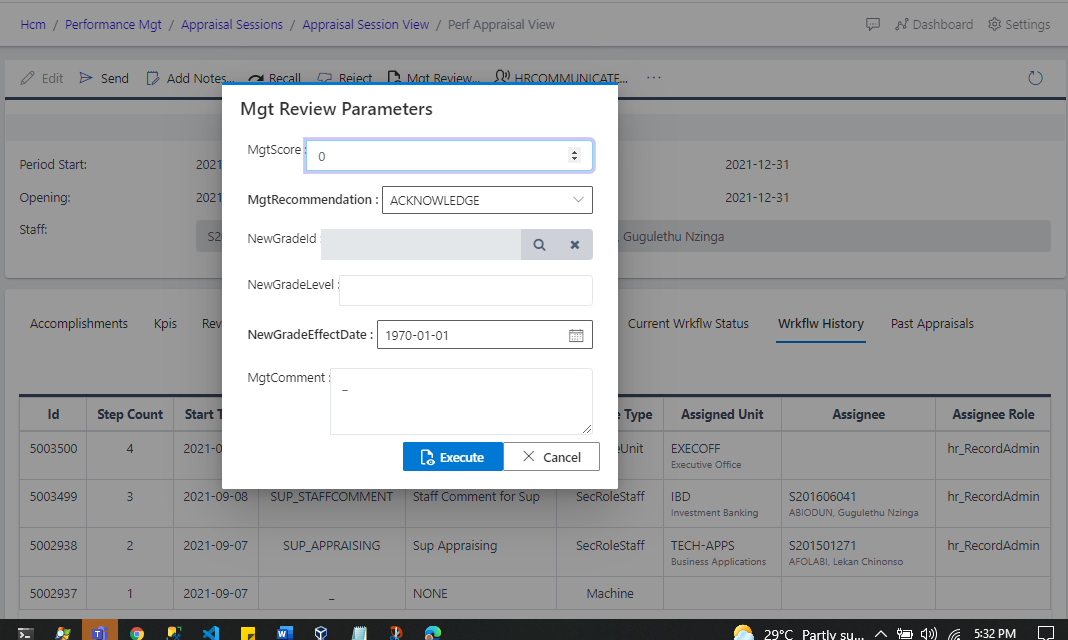
Fig 11. Management review
Fig 12. Management review modal box
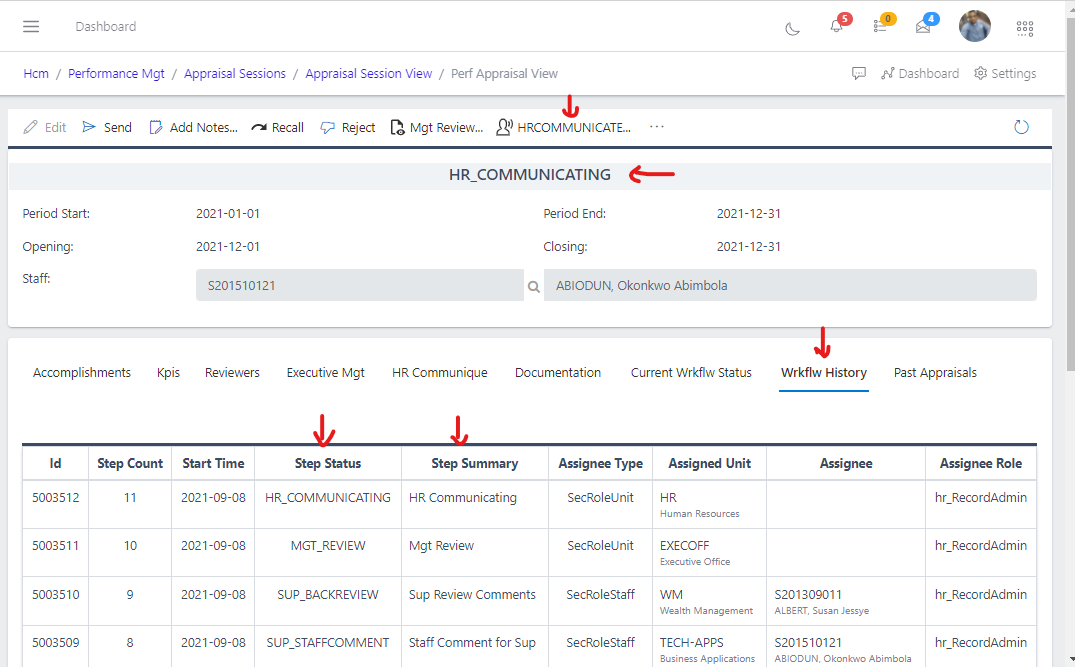
Fig 13. Appraisal in HR communicate status
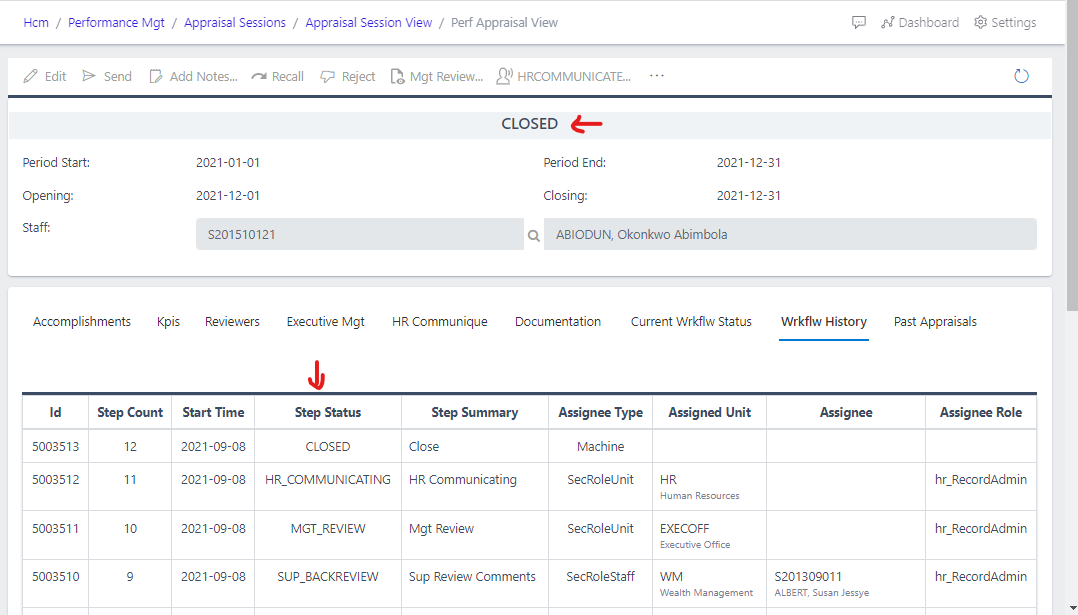
Fig 14. Appraisal in Closed status