Staff On this page Concept# The Staff page works with staff records in the HCM module. It supports human capital setup, employee records, workforce activity, leave, payroll, loans, or performance management depending on the selected area.
Fields# Field Meaning Staff No Employee identifier. Name Staff name. Employment Status Current staff status. Position Current position or role.
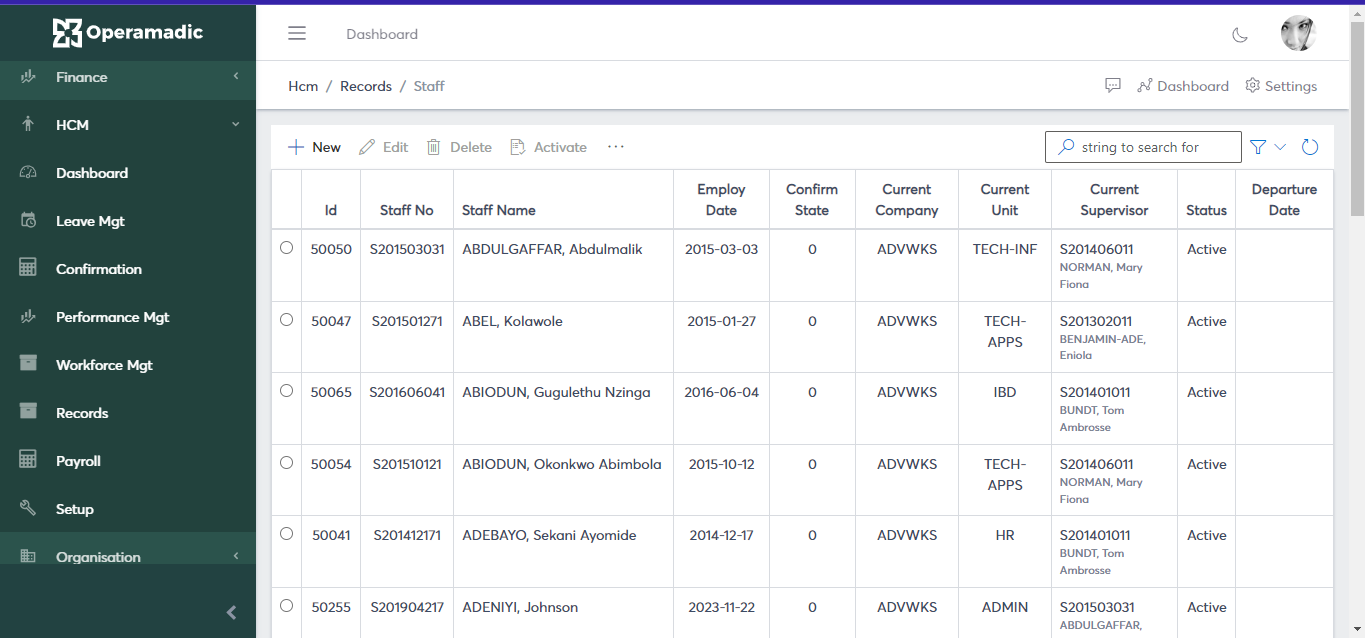
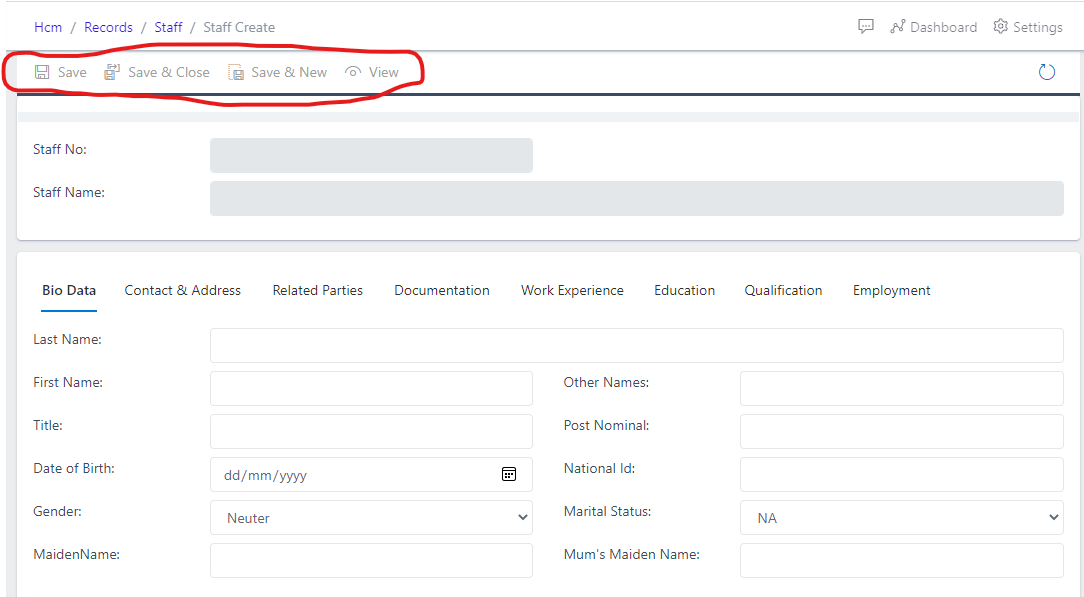
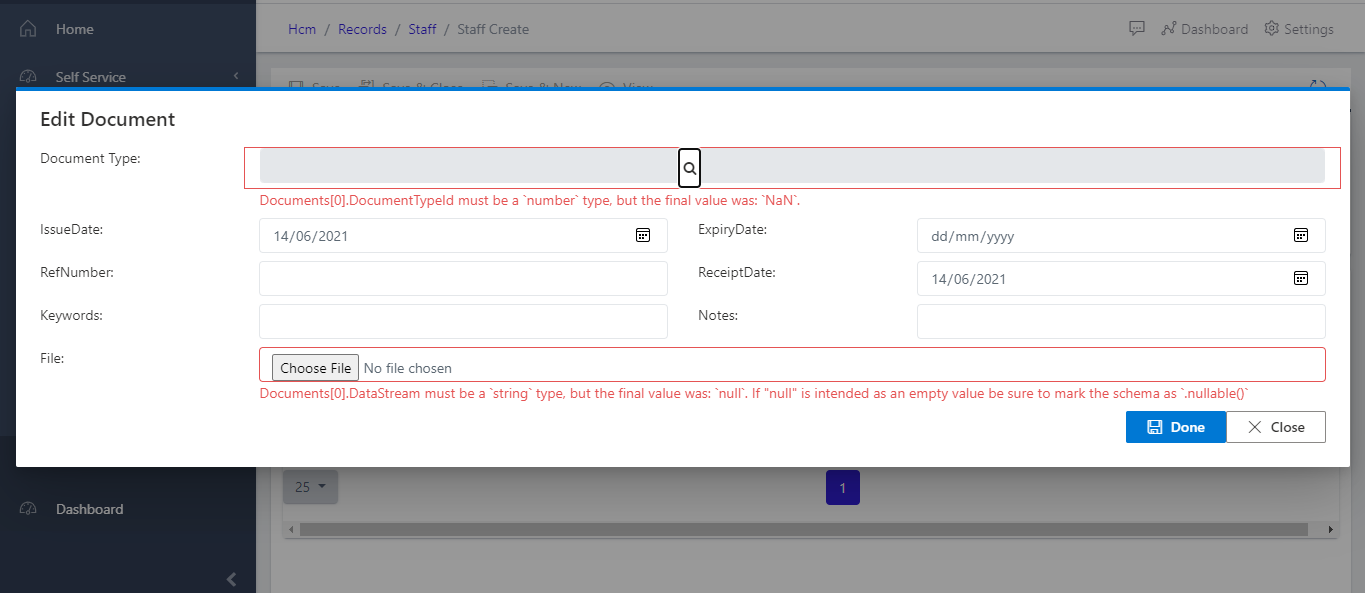
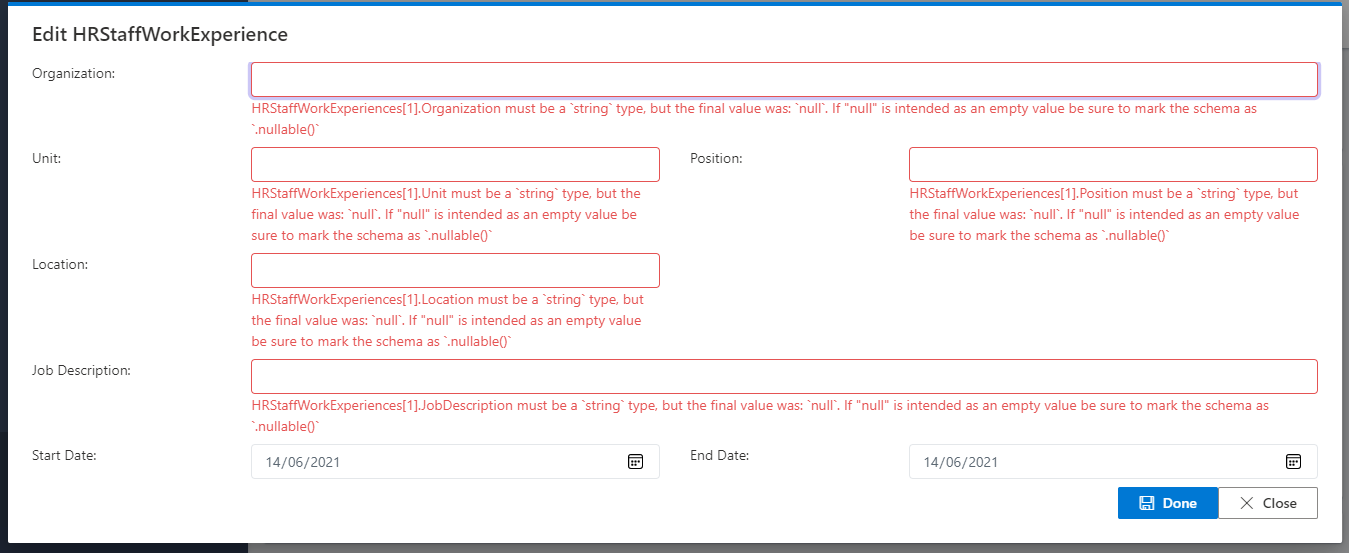
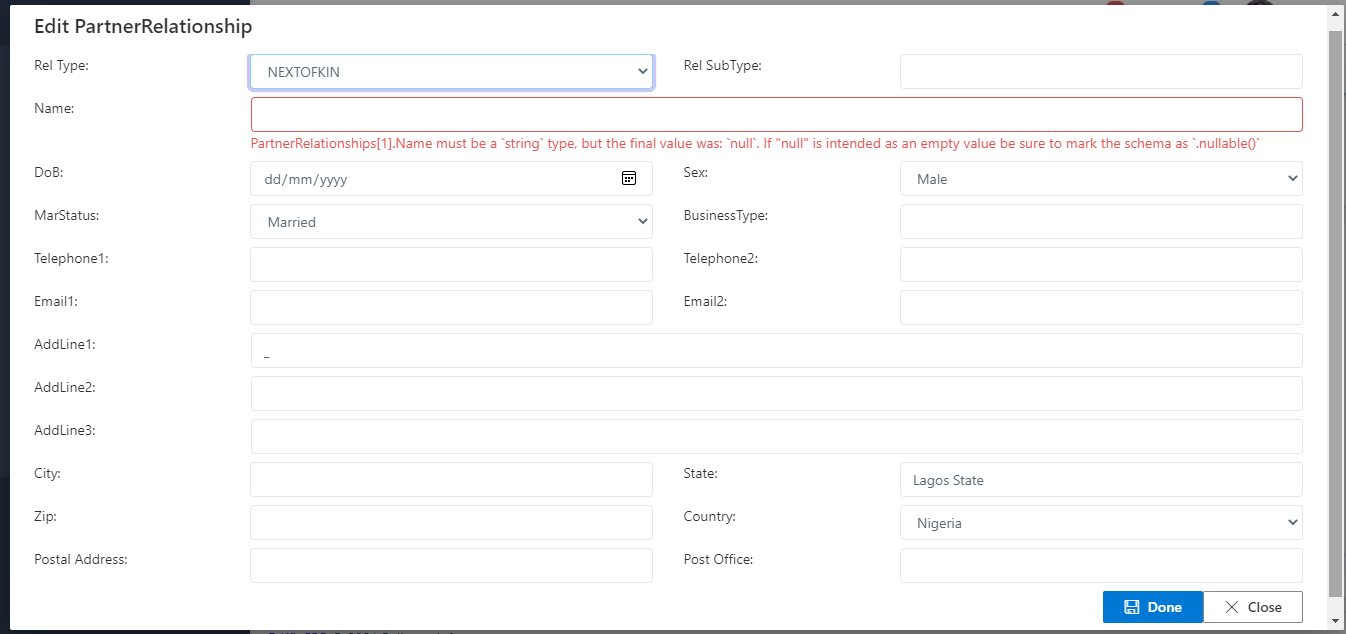
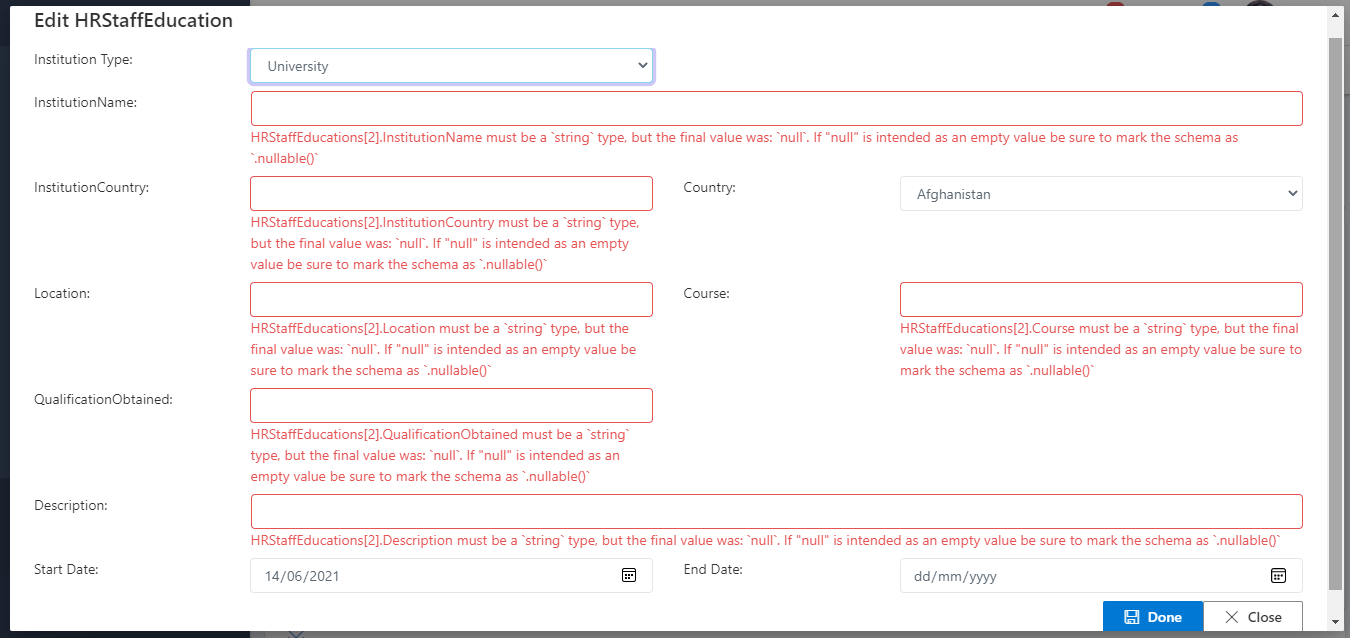
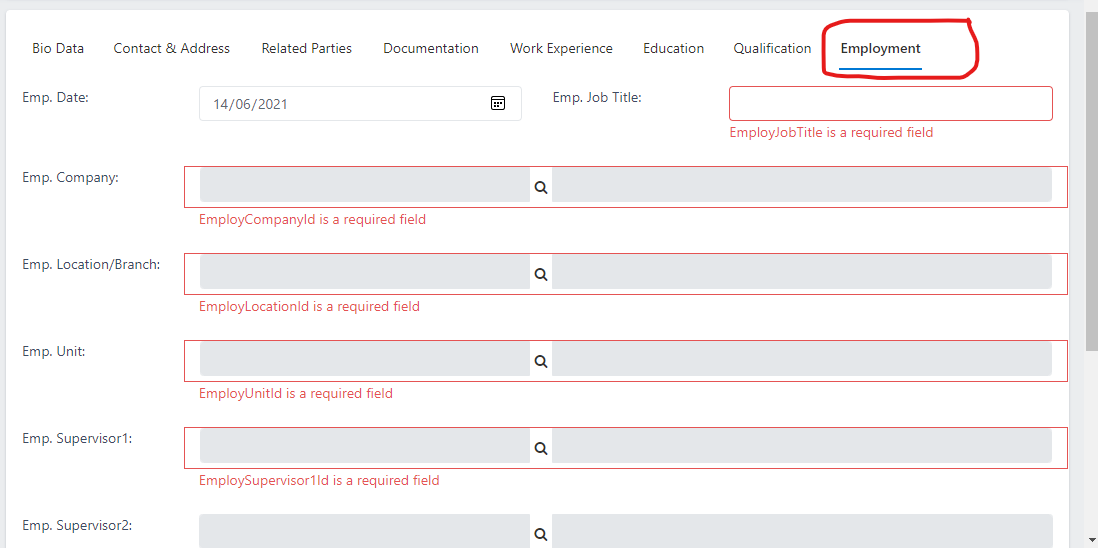
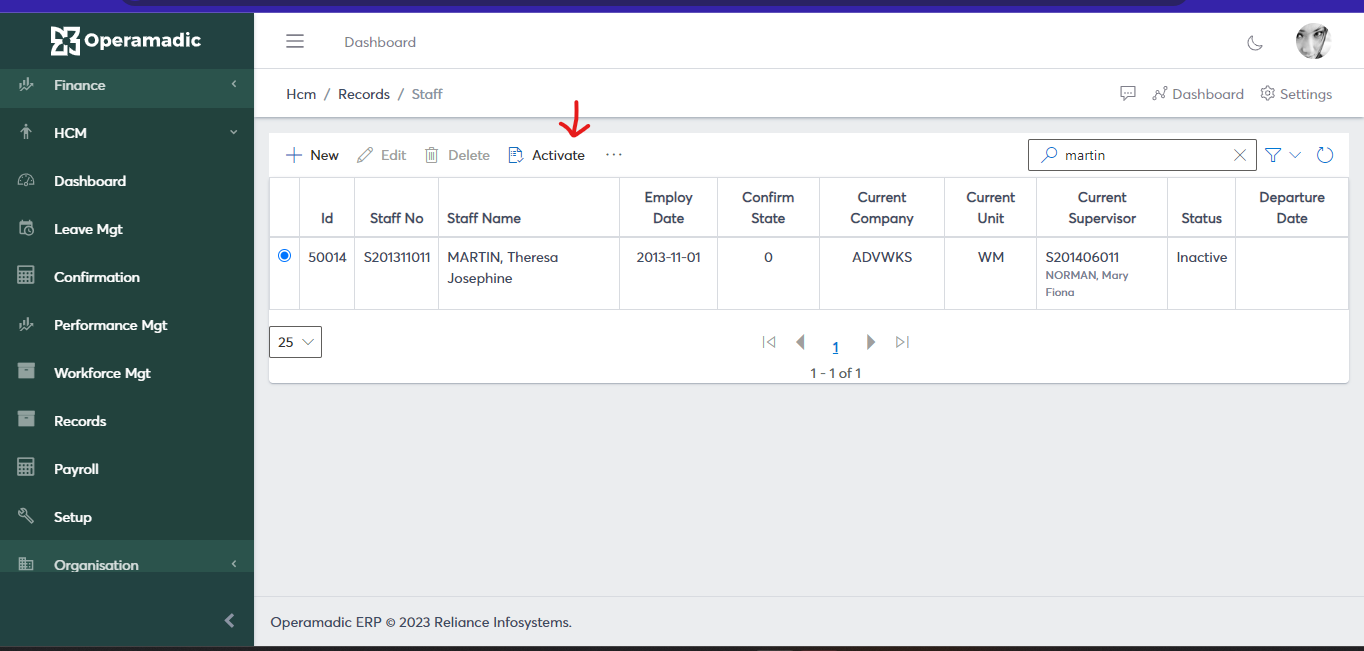
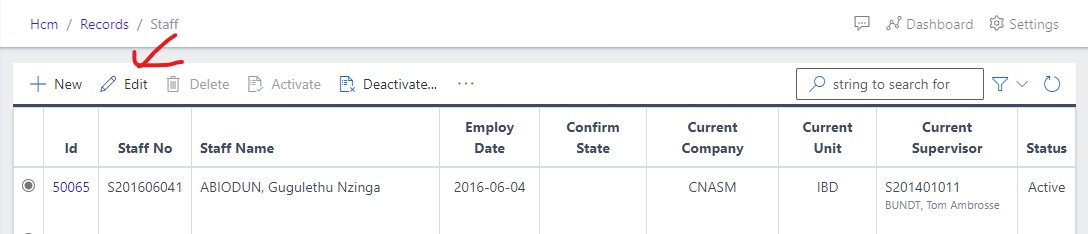
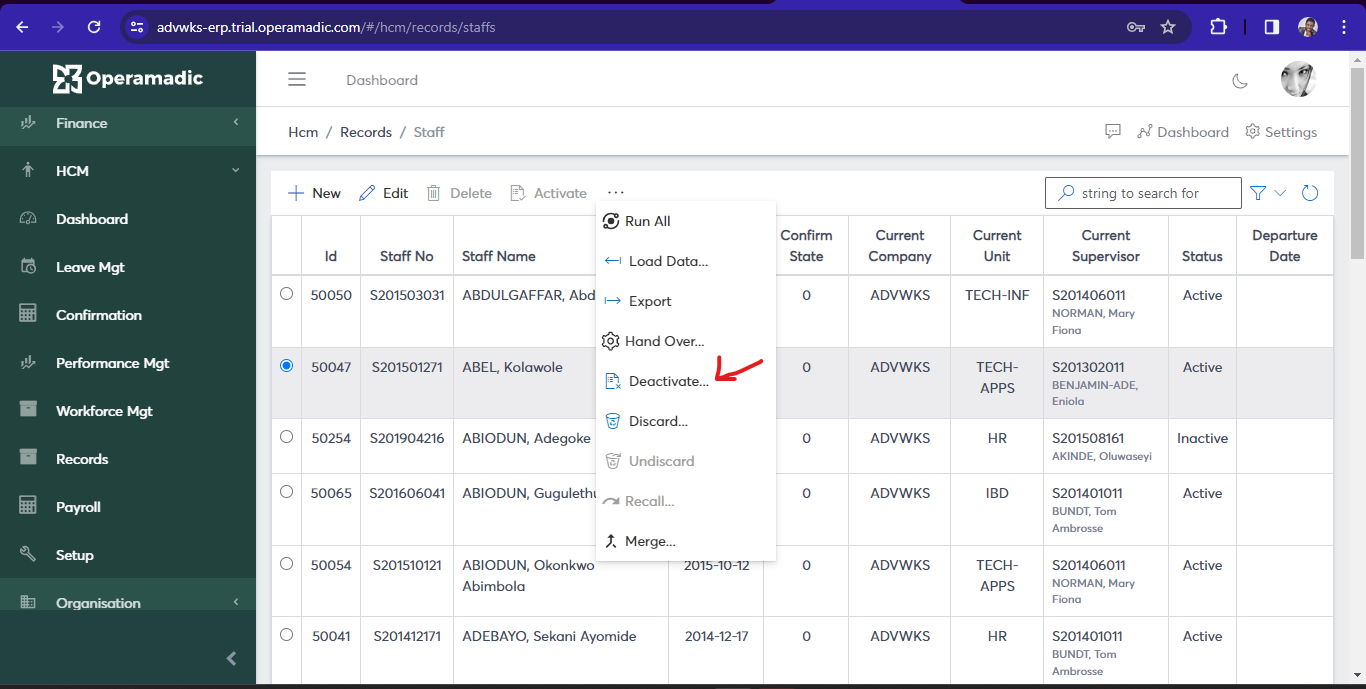
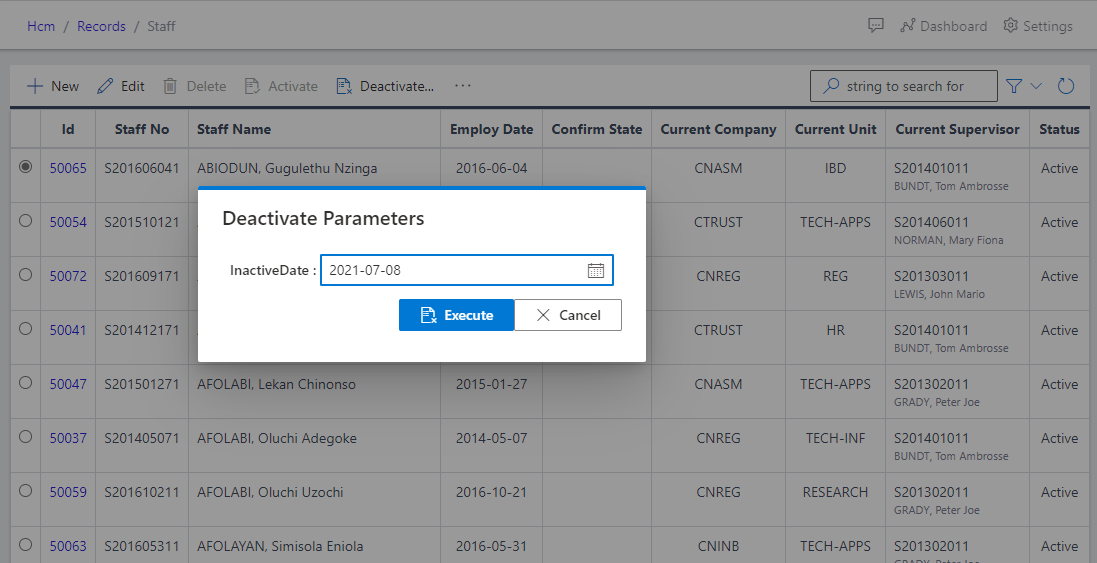
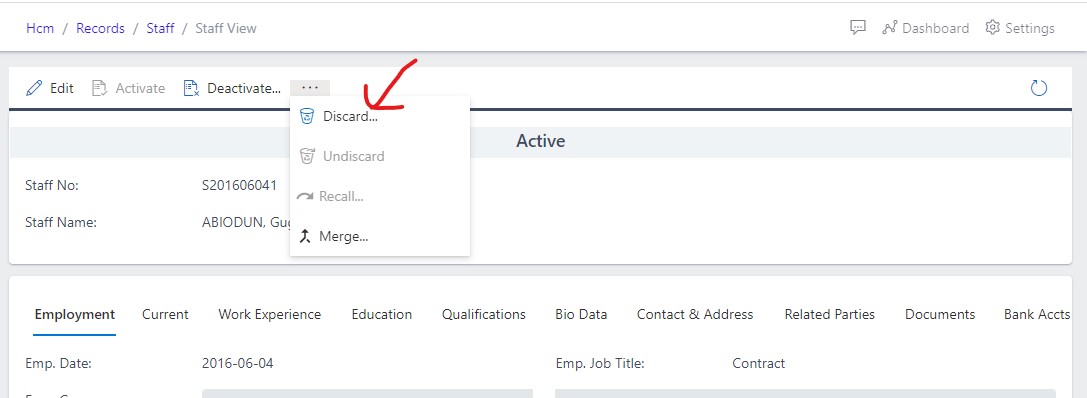
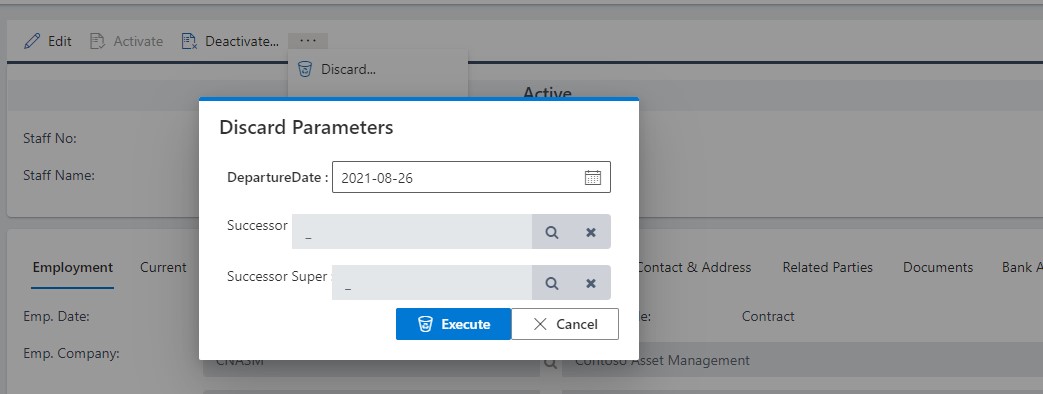
HowTo# Open HCM and choose Staff from the Records area. Use filters or search to find the relevant employee, setup record, workflow, period, or transaction. Open the record to review dates, status, assigned people, and linked information. For editable workflows, choose New or Update, complete the required fields, and save. Confirm the downstream staff record, leave balance, payroll run, appraisal, or workflow status reflects the change. Screenshots# Fig 1 Showing the staff list Fig 2 Showing the filling of the Bio data Fig 2.1 Showing the filling of staff document Fig 2.2 Showing the filling of staff work experience Fig 2.3 Showing the filling of partner relationship Fig 2.4 Showing the filling of staff education Fig 2.5 Showing the filling of staff employment Fig 3 Activating the Staff Fig 4 Editing the staff record Fig 5 Deactivating the staff Fig 5.1 Deactivating parameter Fig 6 Discarding the staff Fig 6.1 Discarding parameter