My Leave Rotas

Concept

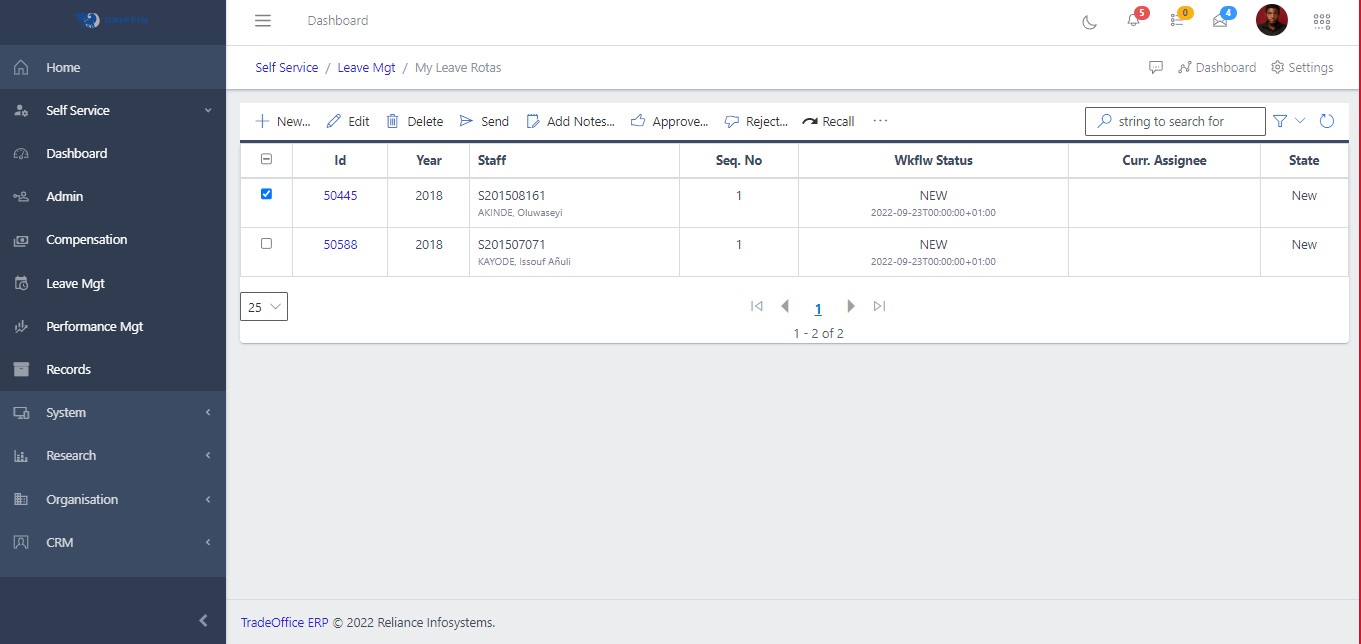
The My Leave Rotas page works with leave rota records in Self Service. It gives an employee or manager access to the personal workflow without needing the full back-office module.

Fields

FieldMeaning
Rota NoRota record reference.
Leave PeriodPlanned leave dates.
RelieverAssigned reliever where applicable.
StatusWorkflow state.

HowTo

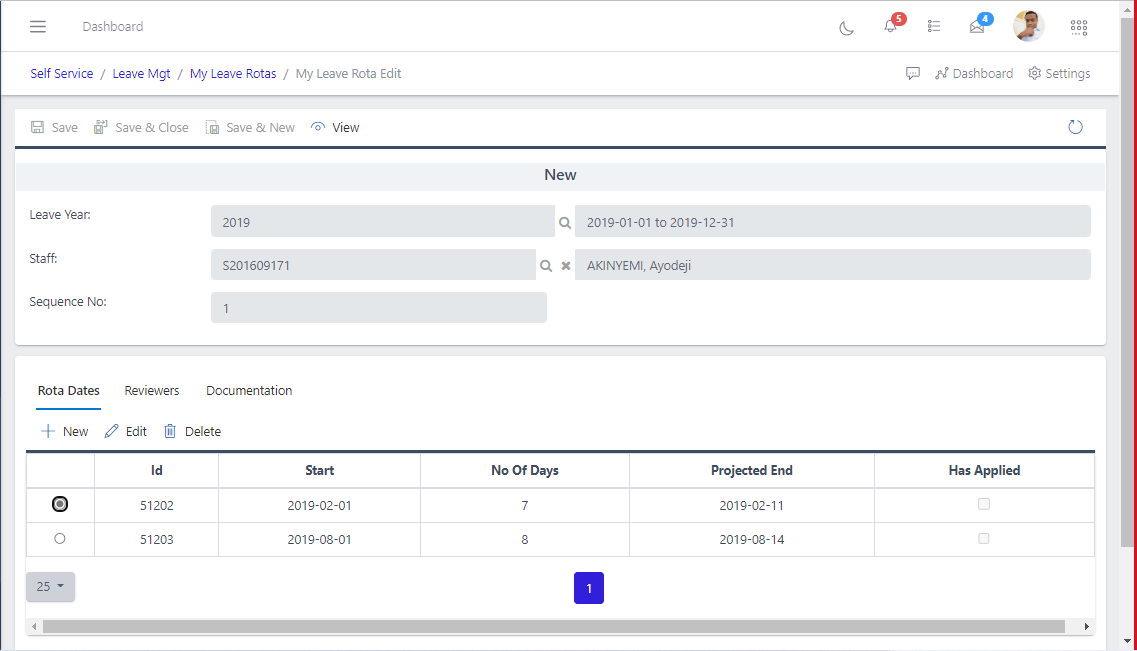
  1. Open Self Service and choose My Leave Rotas from the Leave Mgt area.
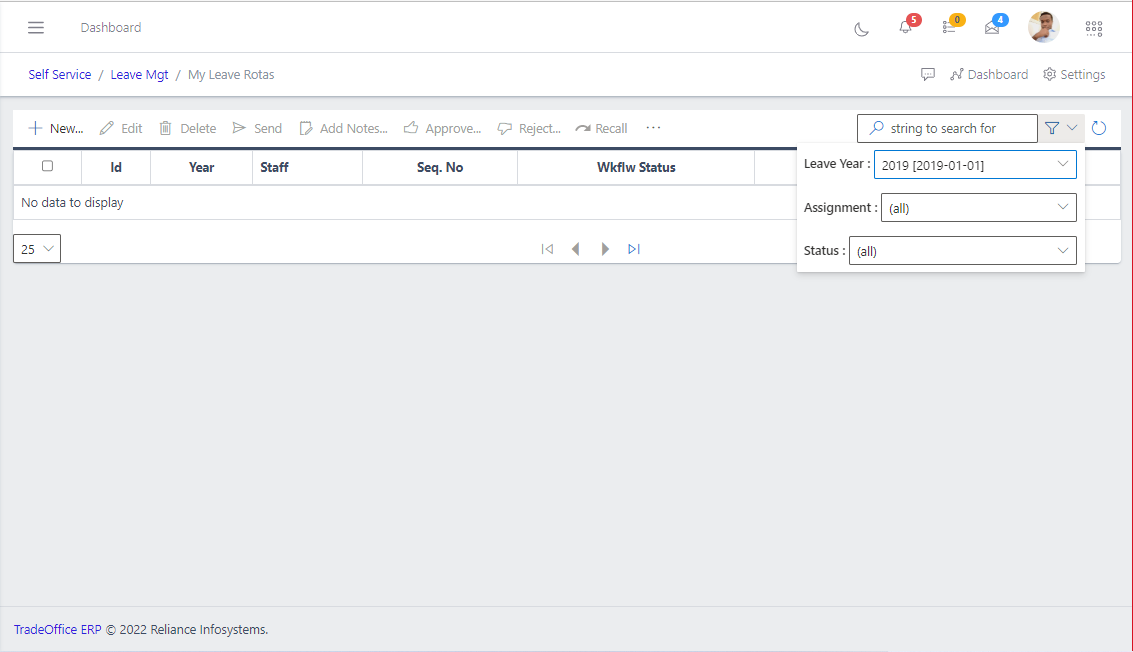
  2. Use filters or search to find the relevant personal record.
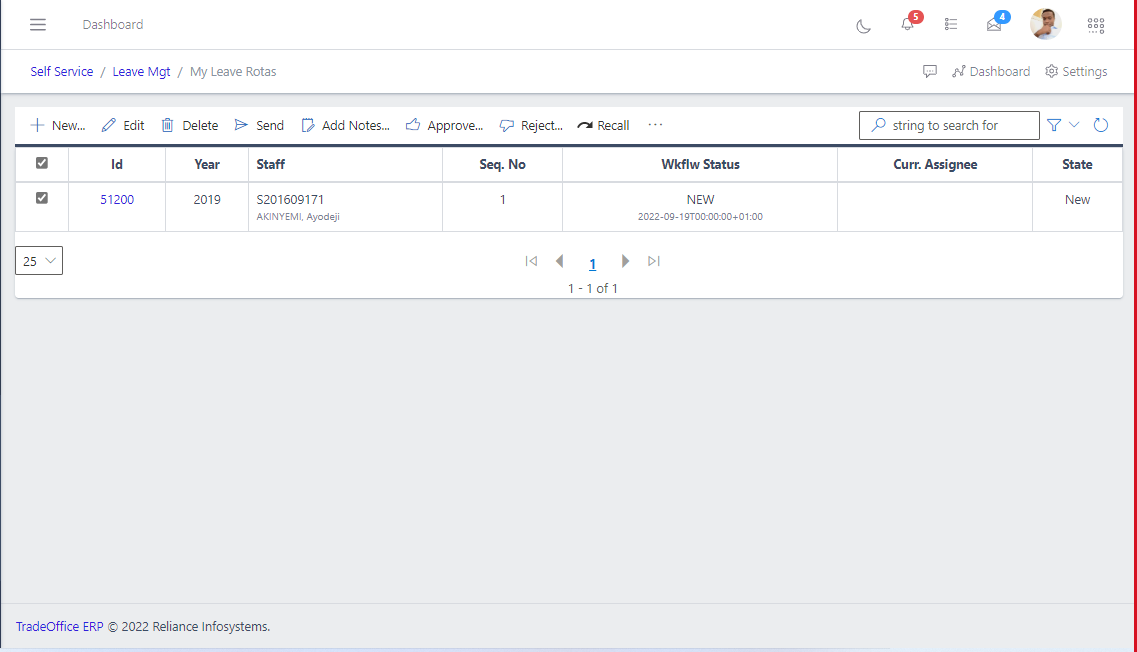
  3. Open the record to review details, dates, amounts, balances, comments, or approval status.
  4. For editable workflows, choose New or Update, complete the required fields, and save.
  5. Confirm the request, profile, leave, appraisal, or compensation record shows the expected status.

Screenshots

Fig 2.1
Fig 2.1
Fig 2.2
Fig 2.2

Fig 2.3
Fig 2.3
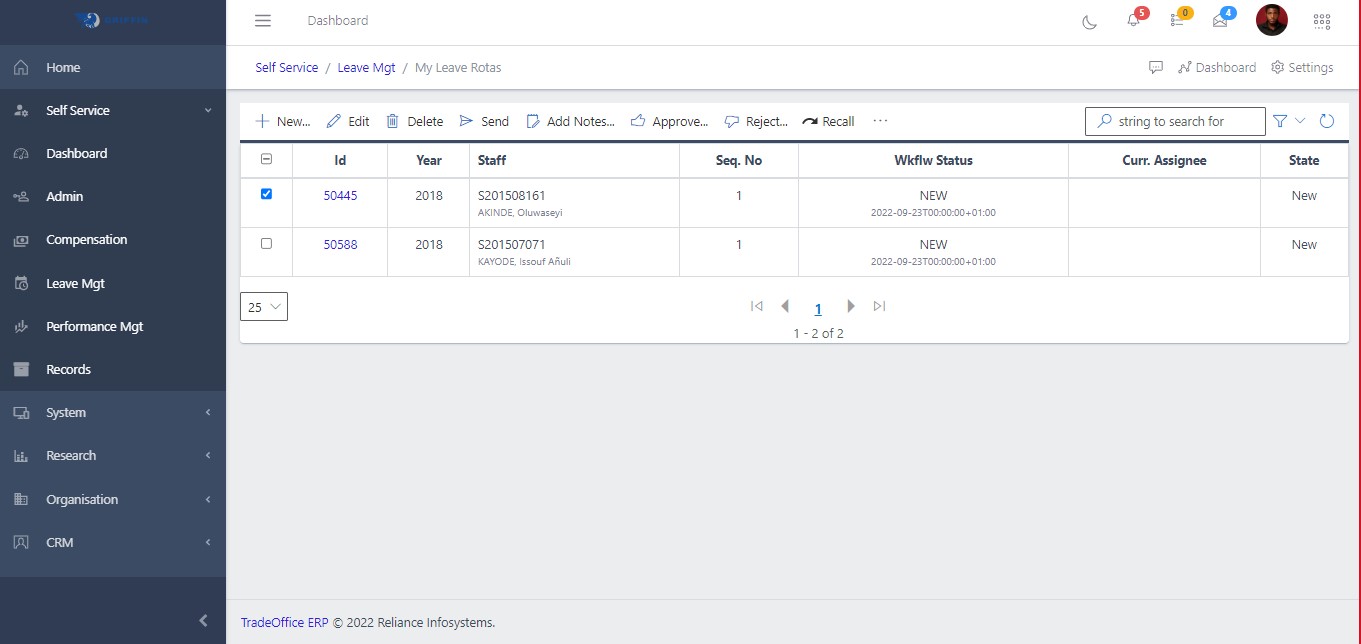
Fig 2.4
Fig 2.4
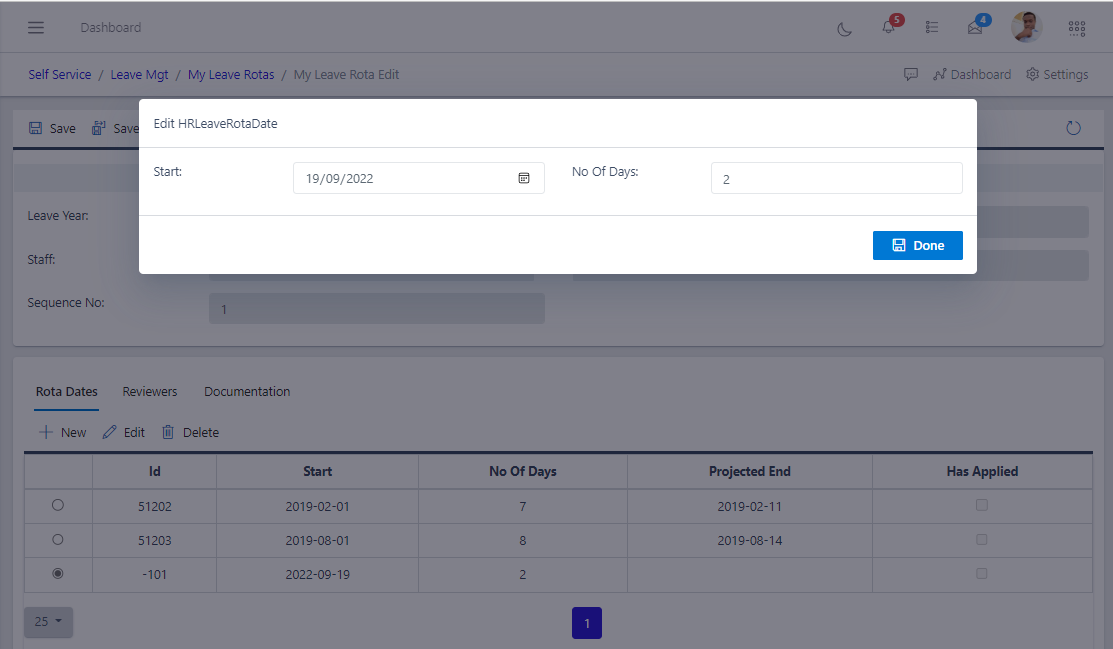
Fig 2.5 Edit Rota
Fig 2.5 Edit Rota

Fig 2.5.1 Add a new Quota

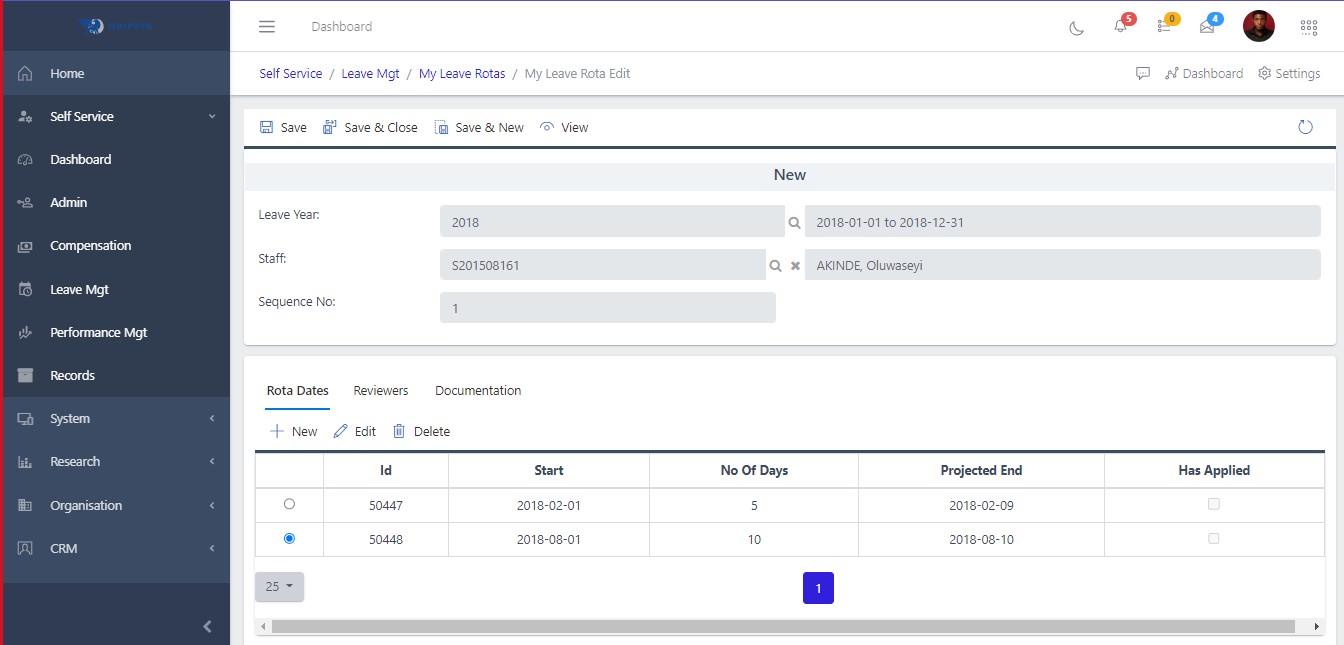
Fig 2.5.2 Save rota
Fig 2.5.2 Save rota

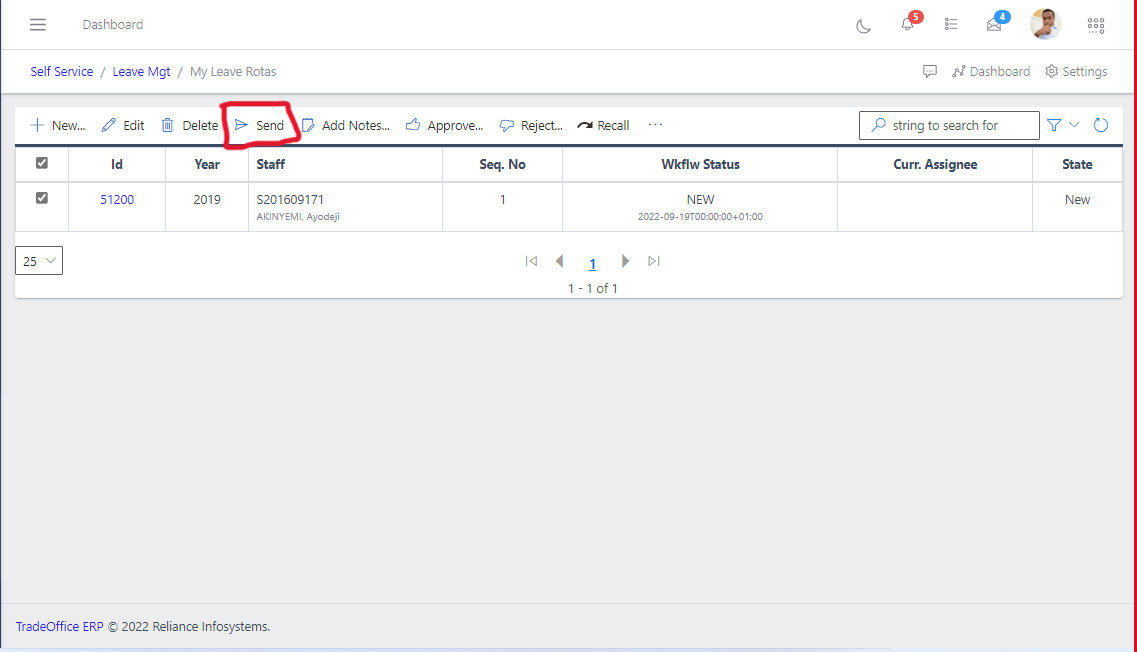
Fig 2.6 Send Submissions

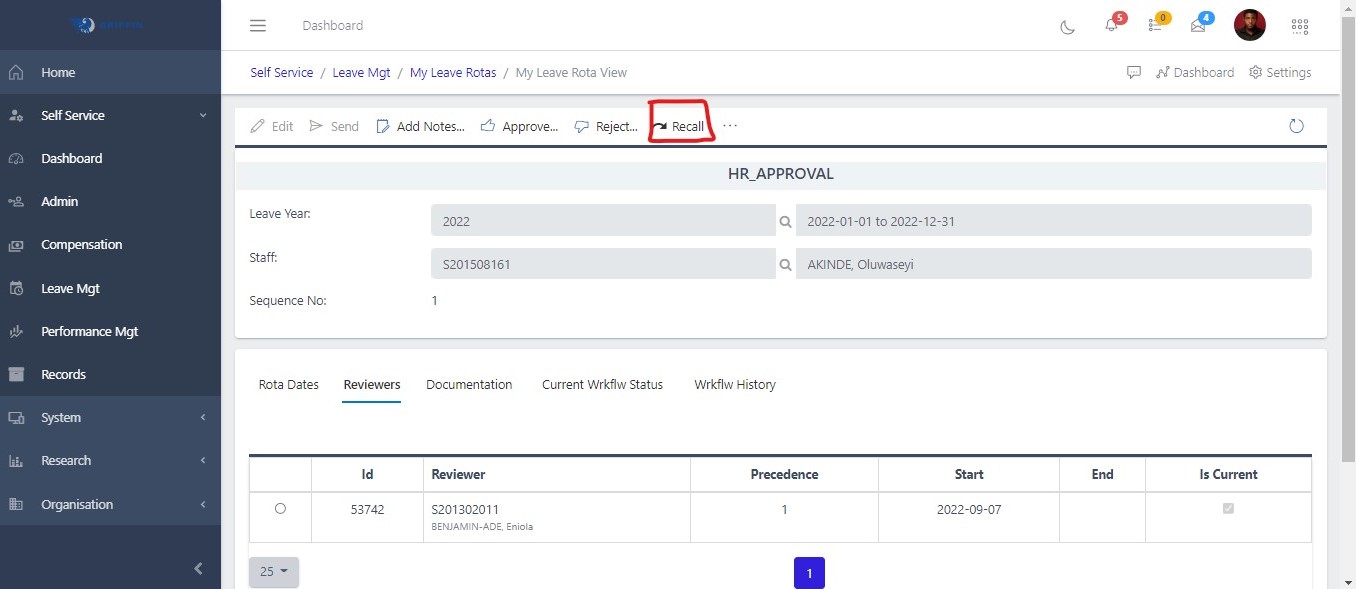
Fig 2.7 Recalling Submissions

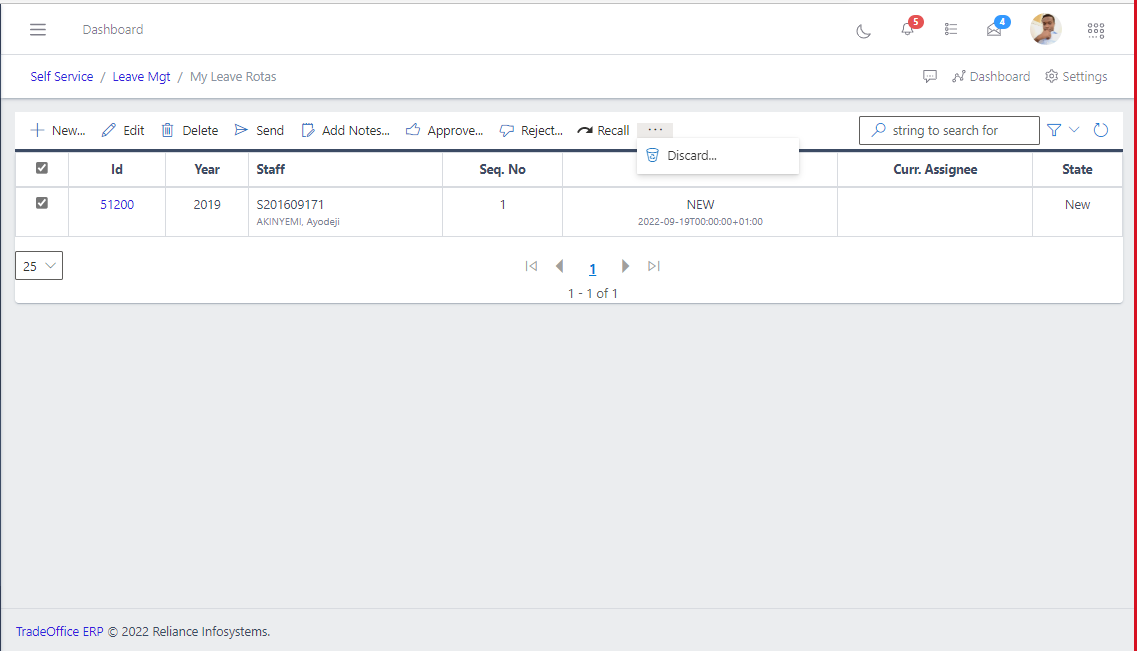
Fig 2.8.2 Discard
Fig 2.8.2 Discard

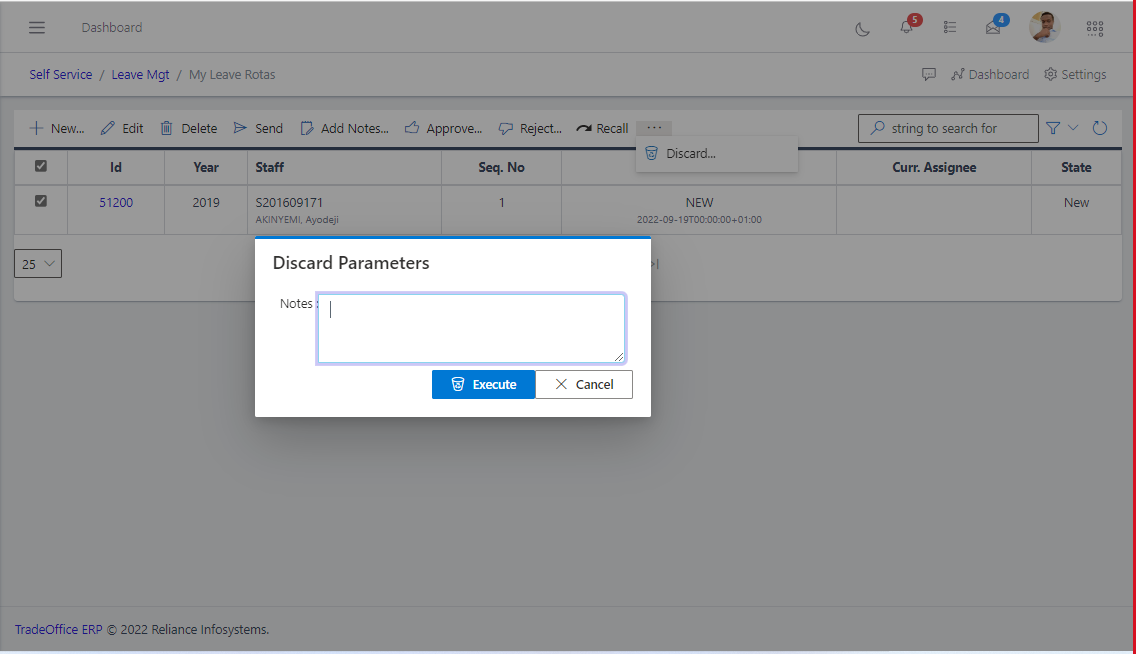
Fig 2.8.2 Discard Note

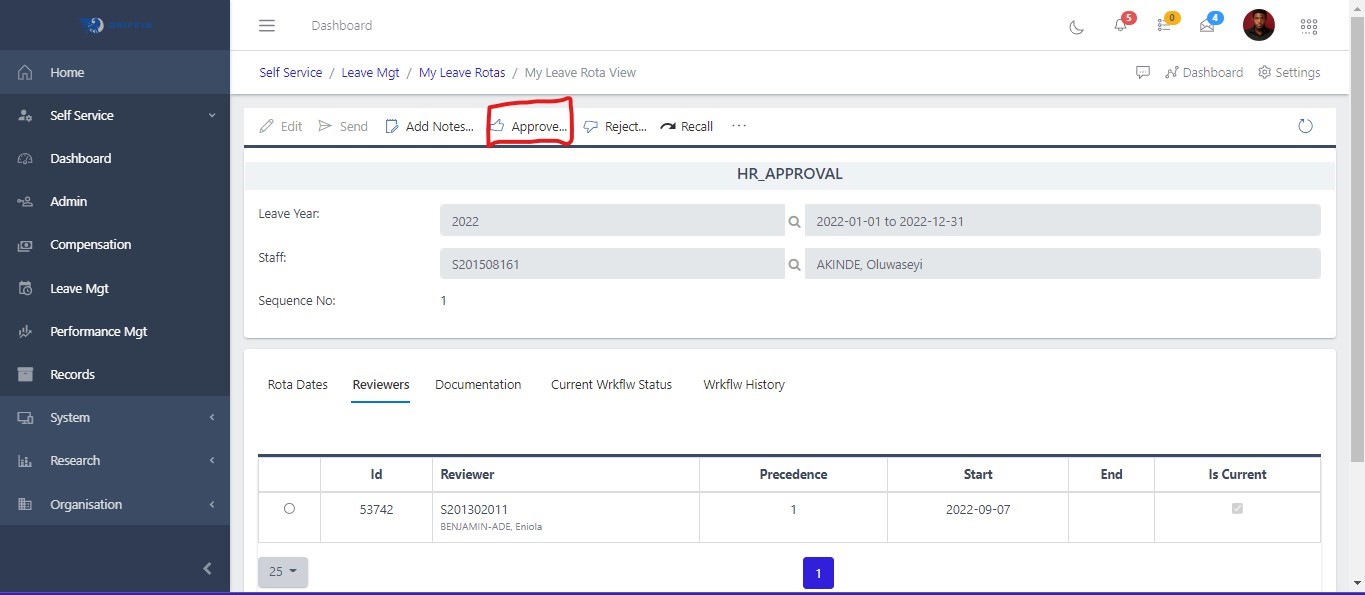
Fig 2.9 Approve Submissions

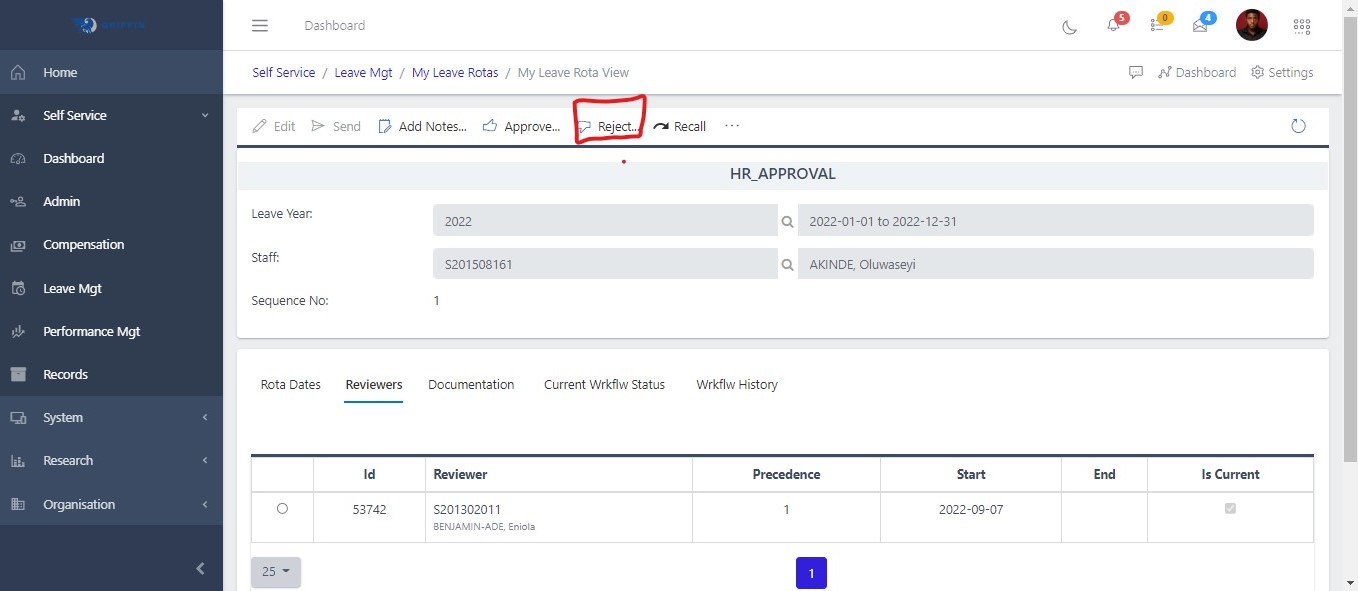
Fig 3.0 Reject Submissions