Perf Targets

Concept

The Perf Targets page works with performance target records in Self Service. It gives an employee or manager access to the personal workflow without needing the full back-office module.

Fields

FieldMeaning
Target YearTarget period.
EmployeeEmployee being reviewed.
KPIsKey performance indicators.
StatusWorkflow state.

HowTo

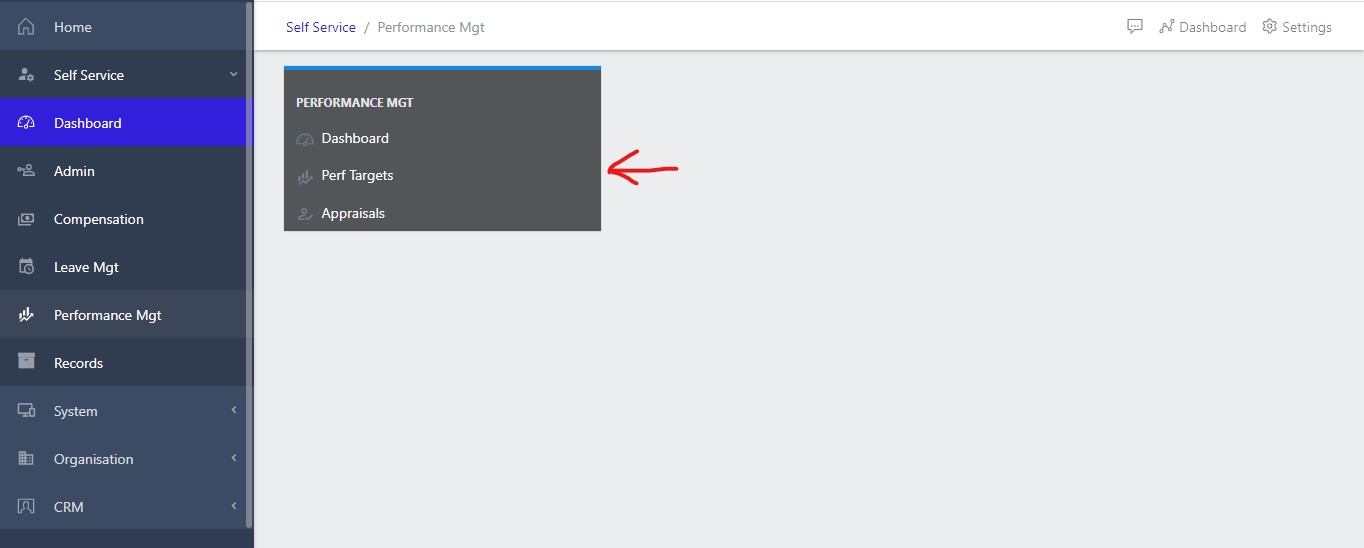
  1. Open Self Service and choose Perf Targets from the Performance Mgt area.
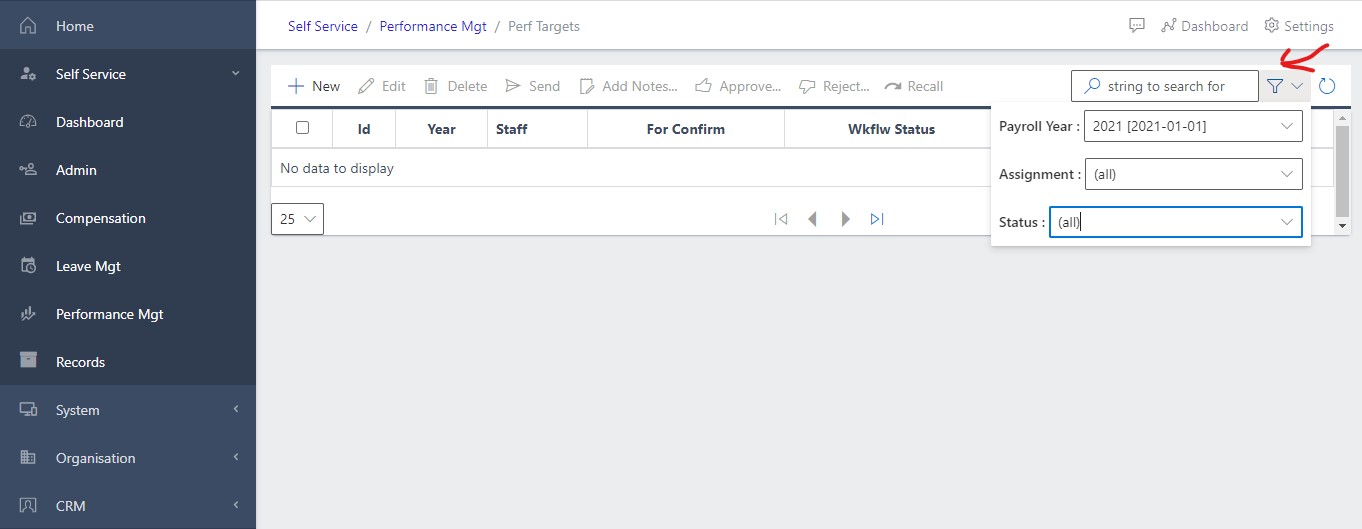
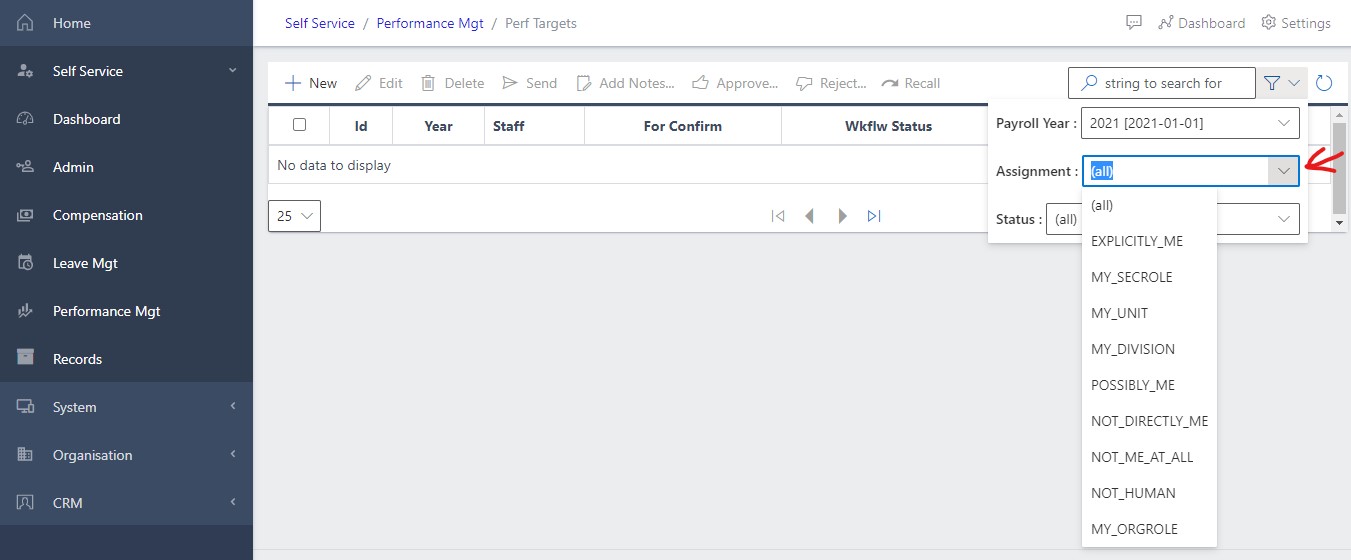
  2. Use filters or search to find the relevant personal record.
  3. Open the record to review details, dates, amounts, balances, comments, or approval status.
  4. For editable workflows, choose New or Update, complete the required fields, and save.
  5. Confirm the request, profile, leave, appraisal, or compensation record shows the expected status.

Screenshots

image Showing performance dashboard view
Fig 1 Showing performance dashboard view

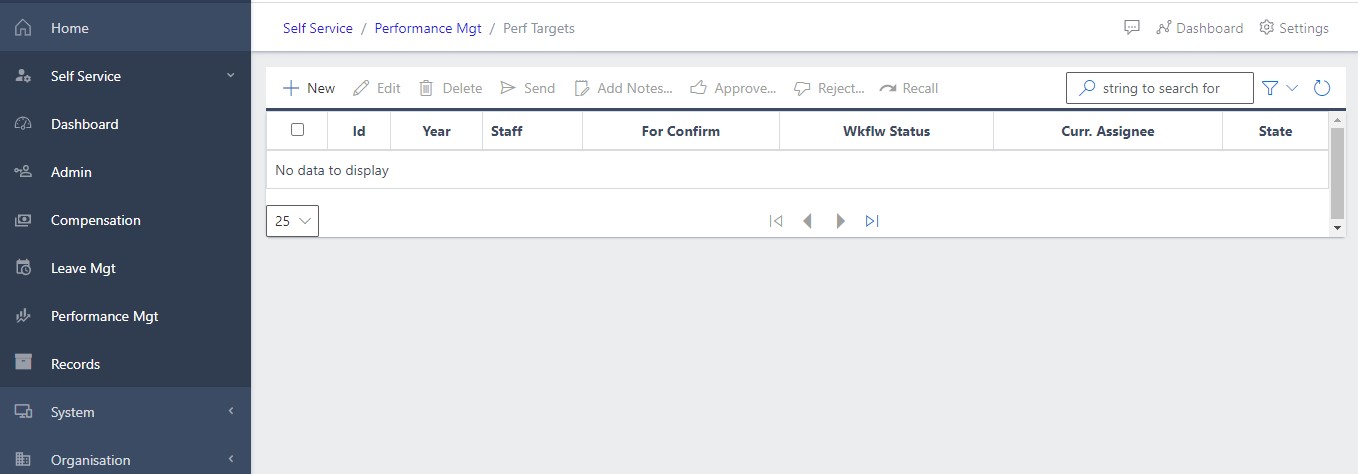
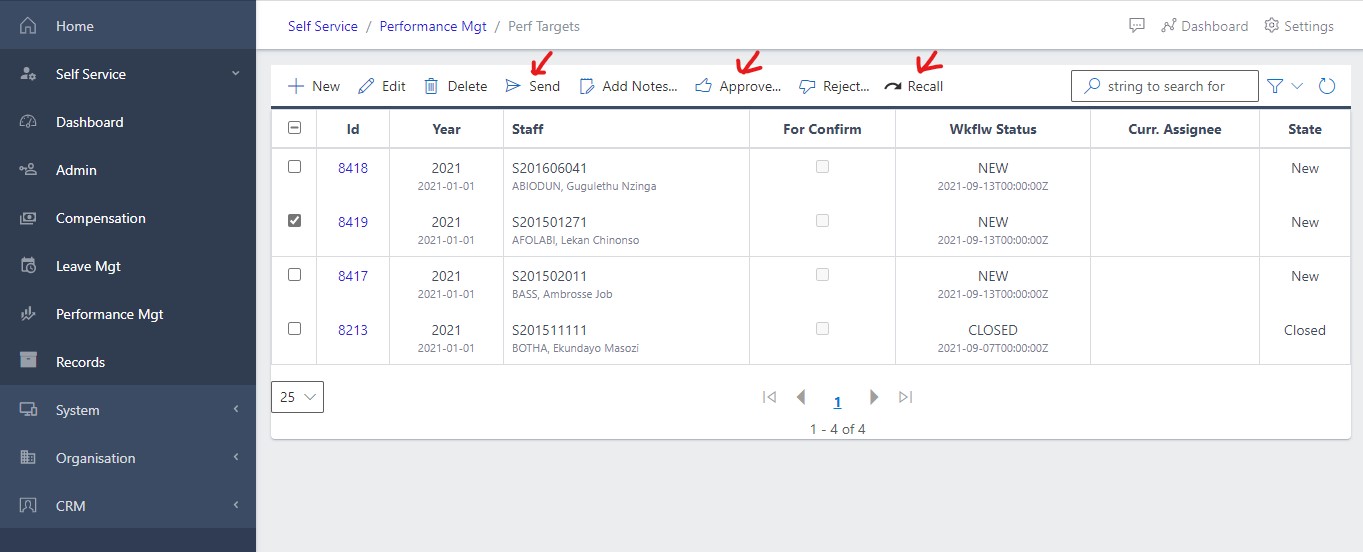
image Showing one’s own targets
Fig 2 Showing one’s own targets

image Showing Filter selection showing the Payroll Year and Status of the Target
Fig 3 Filter selection showing the Payroll Year and Status of the Target

image Filtering for only those items awaiting the user’s approval
Fig 4 Filtering for only those items awaiting the user’s approval

image Showing all target associated to a particular user
Fig 5 Showing all target associated to a particular user

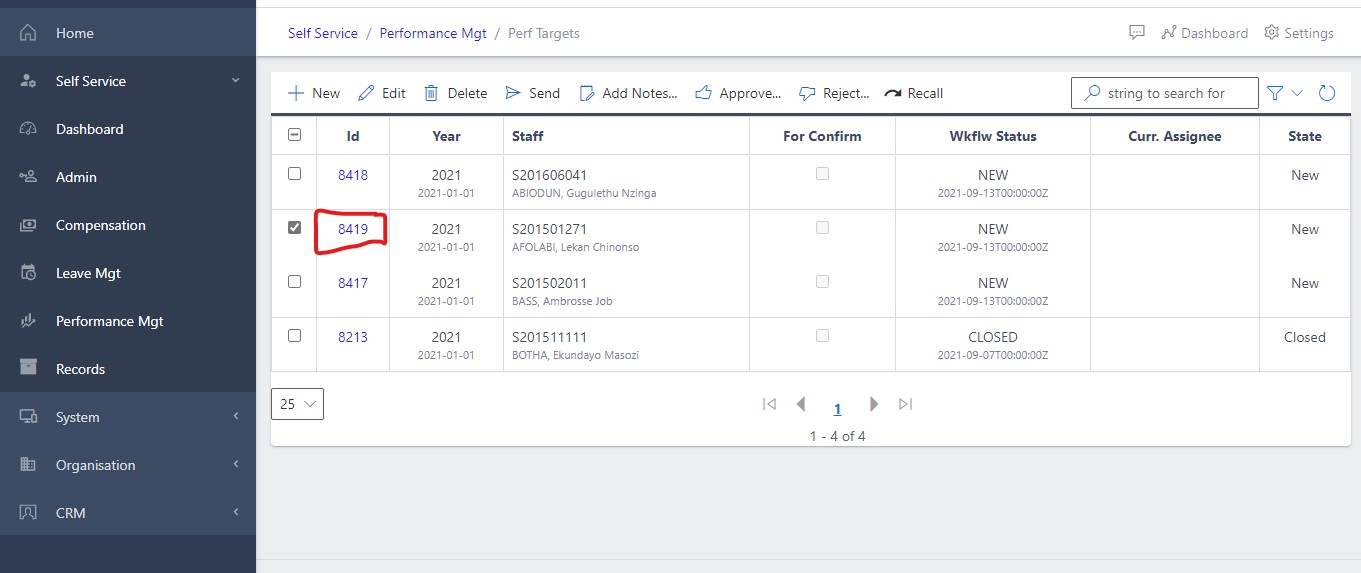
image Showing the ID Link
Fig 6 Showing the ID Link

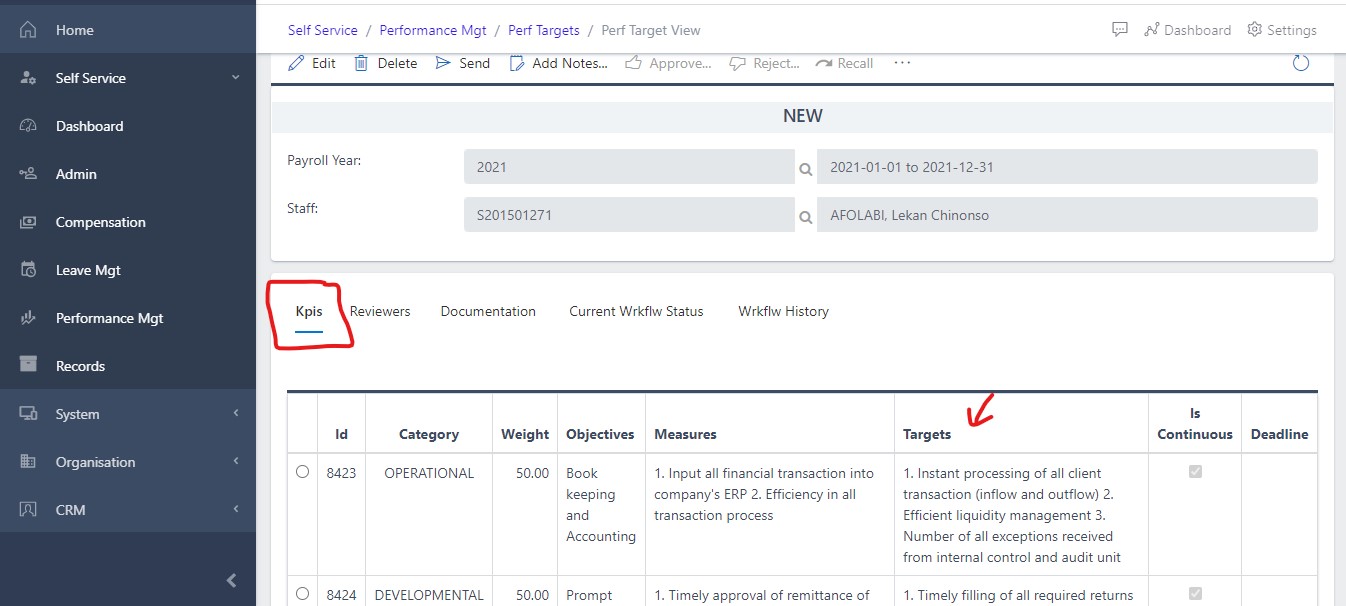
image Showing details of any Target
Fig 7 Showing details of any Target